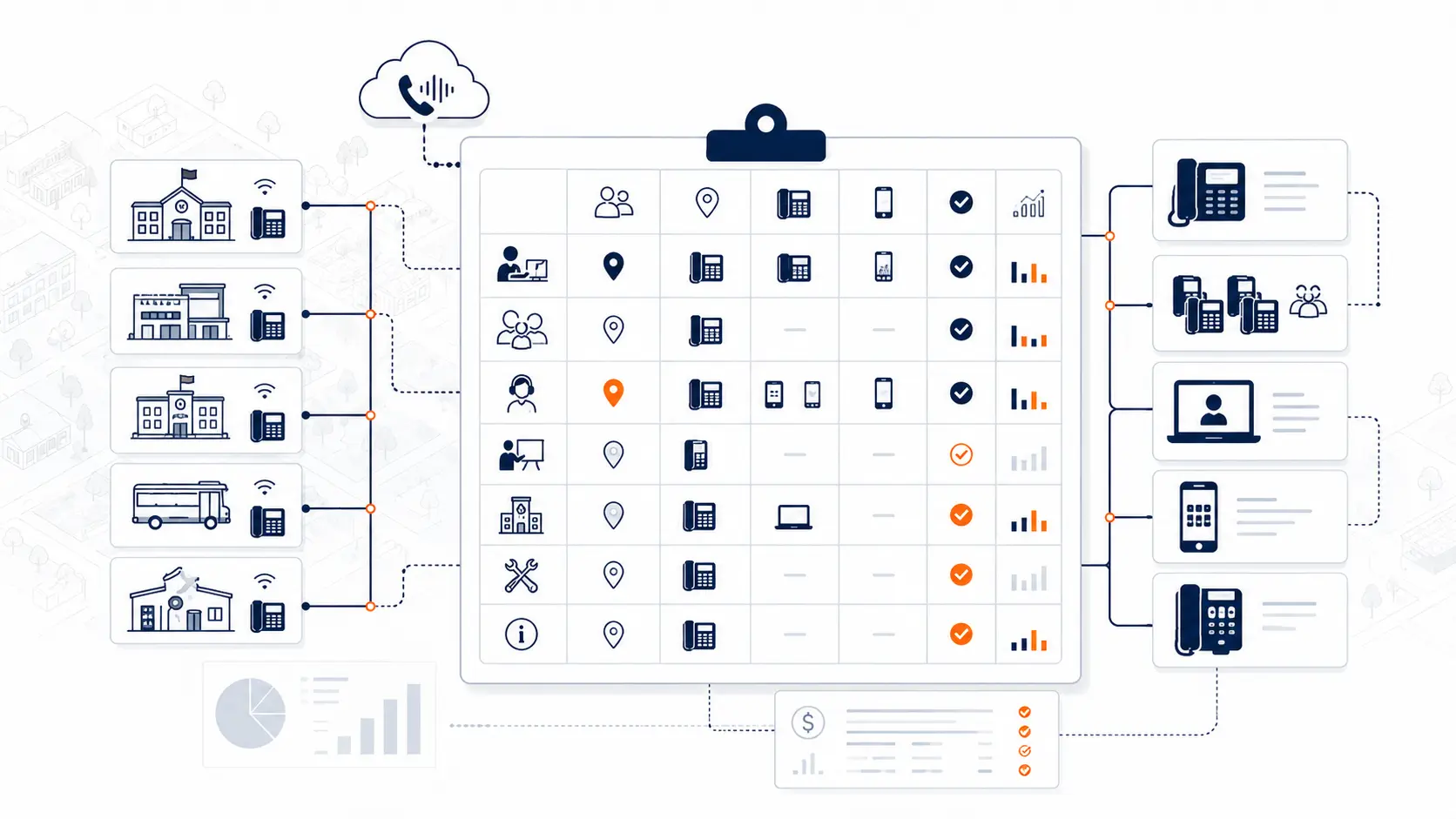
School districts often inherit extension lists that no longer match how people work, where phones sit, or how calls move through each building. A district may have hundreds or thousands of extensions on paper, but not every extension needs a paid user license, a dedicated desk phone, or a full hosted VoIP seat. Before replacing a PBX, renewing hosted VoIP, or signing a new phone contract, the district should review which extensions are operationally necessary, which ones are shared, which ones are rarely used, and which ones are creating avoidable cost.
This guide is for technical and purchasing planning only. It is not legal, procurement, or compliance advice. Districts should review legal, funding, and purchasing requirements with qualified counsel, finance teams, E-rate consultants, and state or local agencies.
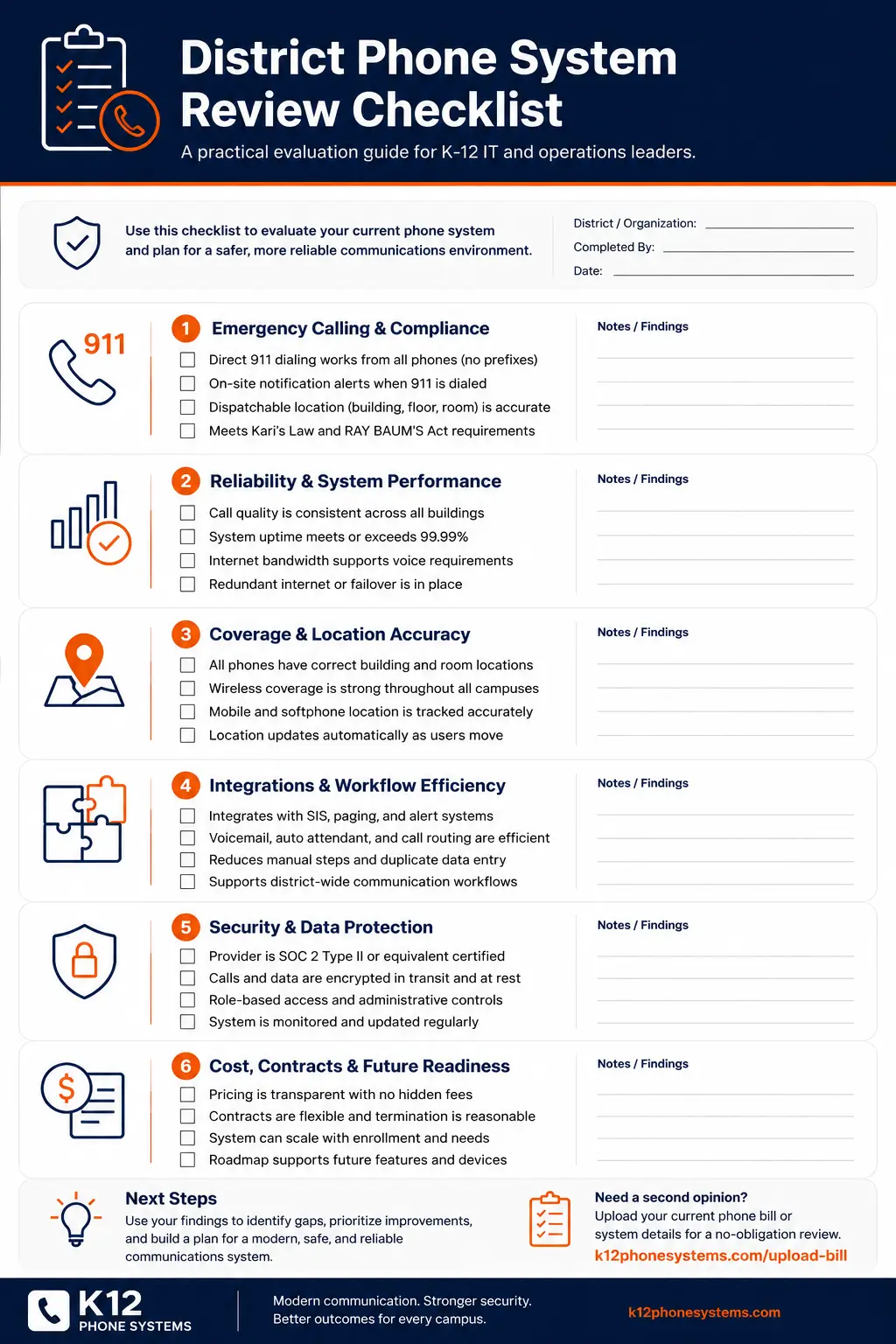
Request System Review | Download the District Phone System Review Checklist
Why extension counts matter
An extension count looks simple at first. One person, one extension. One room, one phone. One license, one monthly charge.
School environments rarely work that way.
A district phone system may include:
- front office phones
- classroom phones
- principal and assistant principal phones
- nurse office phones
- counselor phones
- library phones
- cafeteria phones
- gym phones
- transportation phones
- maintenance phones
- shared workroom phones
- conference room phones
- district office phones
- mobile users
- softphones
- voicemail-only extensions
- emergency or courtesy phones
- fax and specialty lines
- old extensions no one has cleaned up
When a vendor prices every extension as a full user, the district may pay for usage that does not exist. A classroom phone used for urgent calls and office-to-room communication should not always be priced the same way as a district administrator who needs a desk phone, mobile app, voicemail, and direct number.
The question is not just “How many extensions do we have?”
The better question is:
Which extensions need full user capability, which need shared phone access, which need location mapping, and which should be removed before renewal?
Extension count is not the same as staff count
Many school districts make the mistake of tying phone system cost to employee count. That can lead to bloated hosted VoIP proposals.
A district may have 800 employees, but not all 800 need the same phone setup. Some staff need full direct calling. Some need shared office access. Some need classroom phones tied to rooms. Some need mobile app access. Some need no phone extension at all.
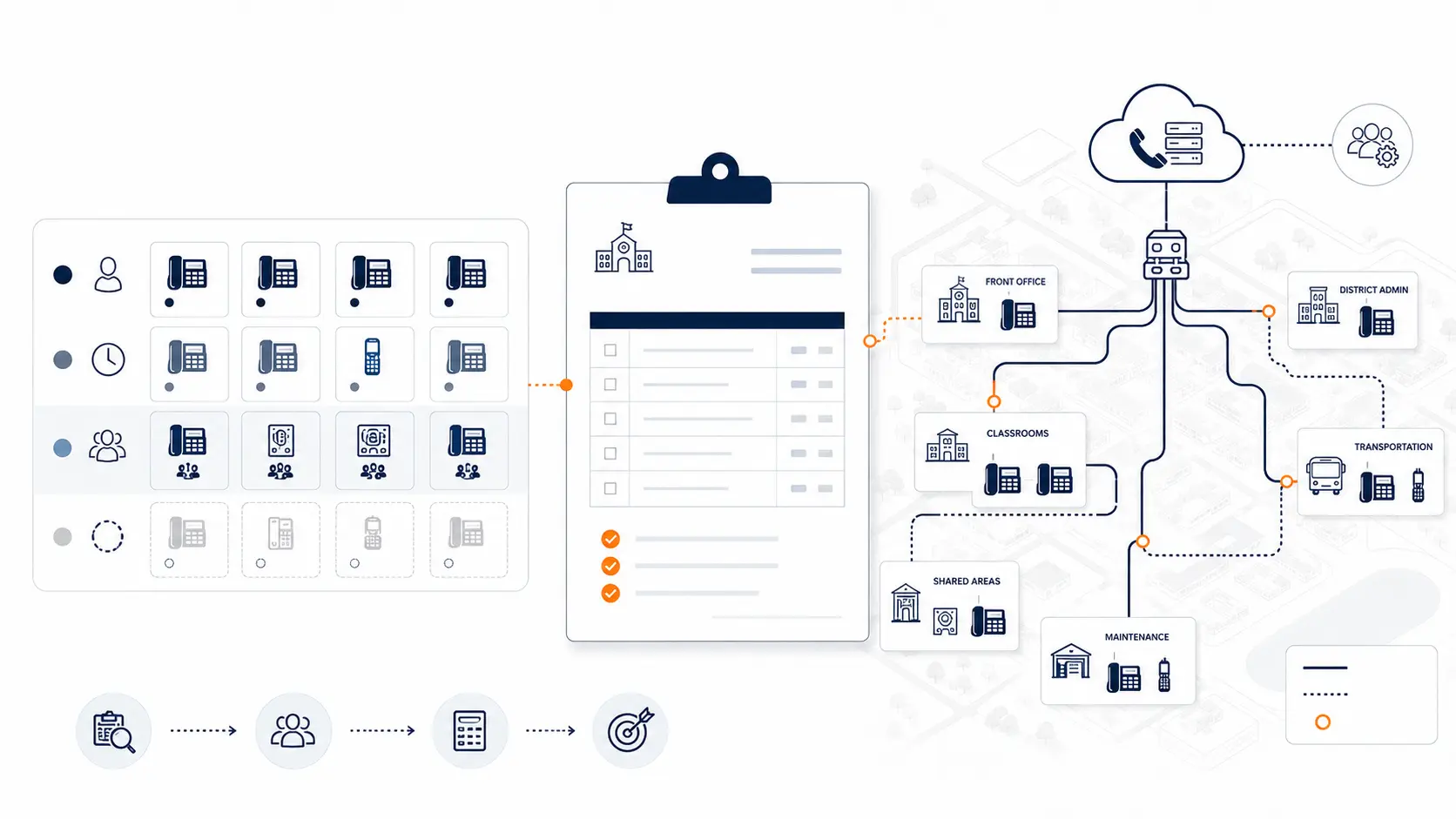
A more useful model separates people, places, and call paths.
| Category | What it means | Planning question |
|---|---|---|
| People-based extensions | Extensions assigned to individual staff members | Does this role need direct calling, voicemail, mobile access, or only internal reachability? |
| Place-based extensions | Phones assigned to rooms, offices, or shared areas | Does the phone need a location record and basic calling rather than a full user seat? |
| Shared-use extensions | Phones used by multiple staff members | Should this be priced and managed as a shared device? |
| Department numbers | Main numbers for offices or departments | Who answers, where does overflow go, and what happens after hours? |
| Voicemail-only extensions | Mailboxes without a dedicated phone | Are these still needed, monitored, and maintained? |
| Retired extensions | Old extensions from moved staff, closed rooms, or unused lines | Can these be removed before renewal or migration? |
A clean extension review can reduce waste and make the replacement plan easier to manage.
Why per-extension pricing can cost too much
Per-extension pricing can be convenient for vendors, but it can be expensive for districts. A school system has many rooms, shared phones, and low-use endpoints. If every room phone, shared desk, and seldom-used extension becomes a full monthly charge, the bill can rise quickly.
This is one reason districts should review existing hosted VoIP systems before renewal. A hosted VoIP PBX can be modern and still overpriced.
A district may be paying too much when:
- every classroom extension is charged as a full user
- shared phones are billed like individual staff accounts
- unused extensions remain active
- old voicemail boxes still appear on the bill
- mobile app access is included for staff who never use it
- conference rooms, workrooms, gyms, and cafeterias are billed as full users
- direct numbers are assigned to roles that do not need them
- support, compliance, device, and admin fees sit outside the base license
- the contract renews before anyone audits usage
This does not mean every per-extension proposal is wrong. It means districts should not accept the extension count as the pricing basis without review.
A better review asks:
- How many extensions are tied to real staff roles?
- How many are room phones?
- How many are shared phones?
- How many are low-use safety or access phones?
- How many are voicemail-only?
- How many can be removed?
- Which ones need direct inward dialing?
- Which ones need mobile app access?
- Which ones need E911 location mapping?
- Which ones are on invoices but missing from operational use?
The District Phone System Review Checklist can help districts separate needed extensions from inherited clutter.
Extension types schools should separate
A district should not treat all extensions the same way. Each extension type has a different operational purpose.
Front office extensions
Front office phones are high value. They answer parent calls, visitor questions, attendance questions, transportation questions, and urgent internal calls. These extensions may need:
- ring groups
- overflow routing
- voicemail to email
- call transfer rules
- after-hours routing
- backup answering paths
- main number visibility
Front office phones should be reviewed by call flow, not just extension count.
Classroom extensions
Classroom phones are often place-based. The phone belongs to the room more than the person. These extensions may need:
- internal calling
- office-to-classroom reachability
- emergency calling
- a correct dispatchable location
- simple voicemail rules, or no voicemail
- limited outbound calling based on policy
A classroom extension may not need the same feature set as a district administrator.
Administration extensions
Principals, assistant principals, district leaders, department heads, and operations managers may need more capability. These users may need:
- direct number access
- voicemail
- call forwarding rules
- mobile app or softphone access
- shared line appearance
- executive assistant routing
- call transfer paths
These roles are closer to full user seats.
Shared area phones
Shared phones may sit in workrooms, conference rooms, libraries, kitchens, gyms, maintenance areas, transportation offices, or common spaces. These phones need clear ownership and accurate location records, but they may not need full individual user licensing.
Mobile and softphone users
Some staff may need district-managed calling from a mobile app or laptop. This can be useful for administrators, operations staff, remote workers, and traveling staff. It needs careful review, particularly for E911 location handling.
Softphones and mobile apps can make a district more flexible, but they should not be assigned to everyone by default.
Voicemail-only and legacy extensions
Old extensions often survive from prior staff, closed rooms, old departments, old auto attendant menus, or prior vendor migrations. These should be reviewed before any renewal or migration.
If no one owns the mailbox, listens to the messages, or knows why it exists, it should be questioned.
Extension counts and E911 location data
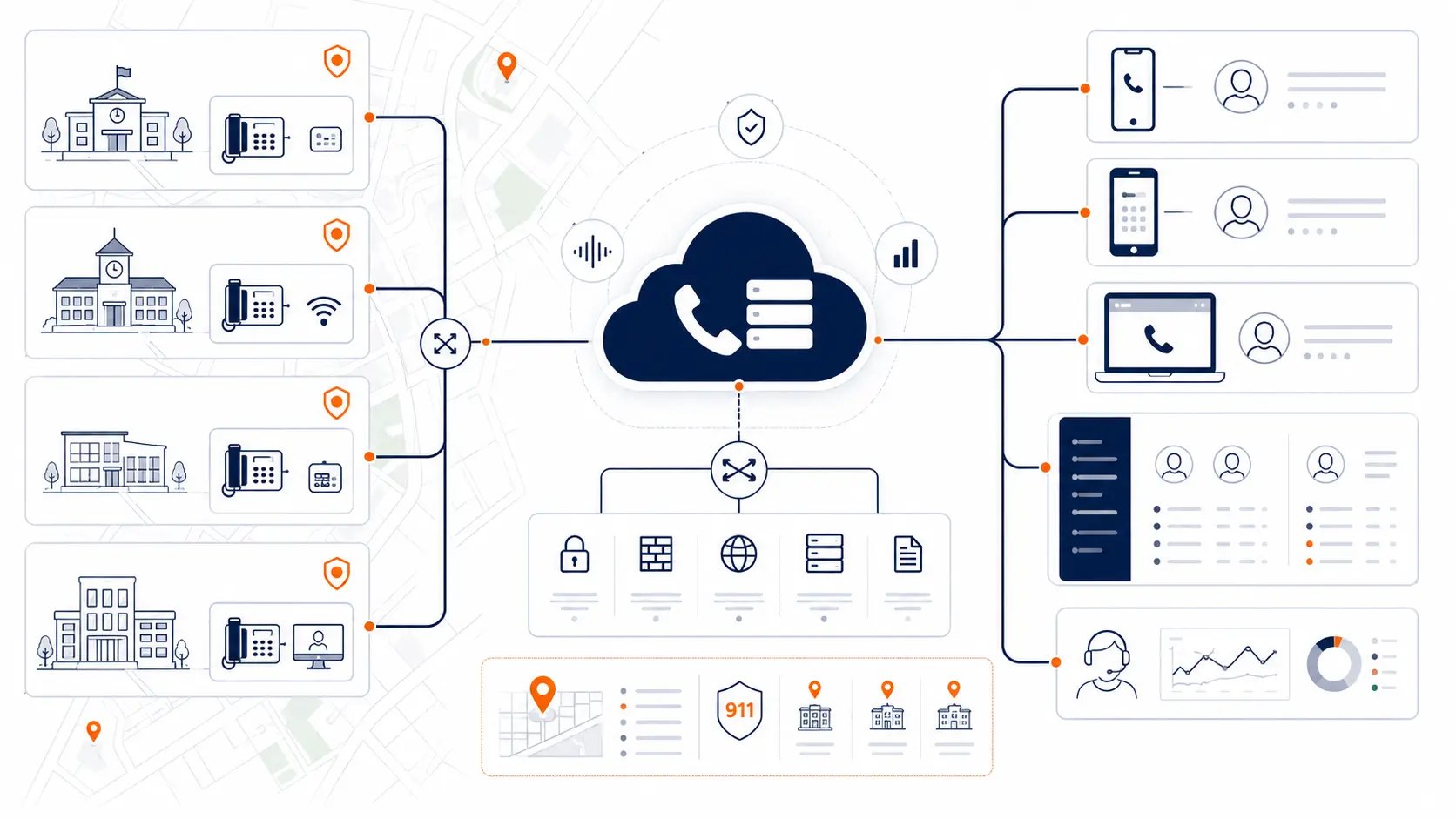
Every extension review should connect to E911 planning. An extension is not only a billing item. It may be tied to a room, building, office, phone, or staff device that needs correct emergency location data.
For schools, E911 planning often includes direct 911 dialing, on-site notification, and dispatchable location. The FCC describes MLTS 911 rules for direct dialing, notification, and dispatchable location requirements. The National 911 Program describes Kari’s Law and RAY BAUM’S Act in plain public-safety terms.
A district should review:
- which extensions are tied to fixed phones
- which fixed phones are tied to rooms
- which rooms need building, floor, room, or area information
- which extensions can move between sites
- which mobile app users may place calls away from their assigned building
- who updates location data after a phone is moved
- how the district tests emergency calling after changes
A school district should not clean up extensions only for cost reasons. It should clean them up so the phone system reflects the real environment.
For more detail, review E911 Compliance for Schools and the K-12 E911 Readiness Checklist.
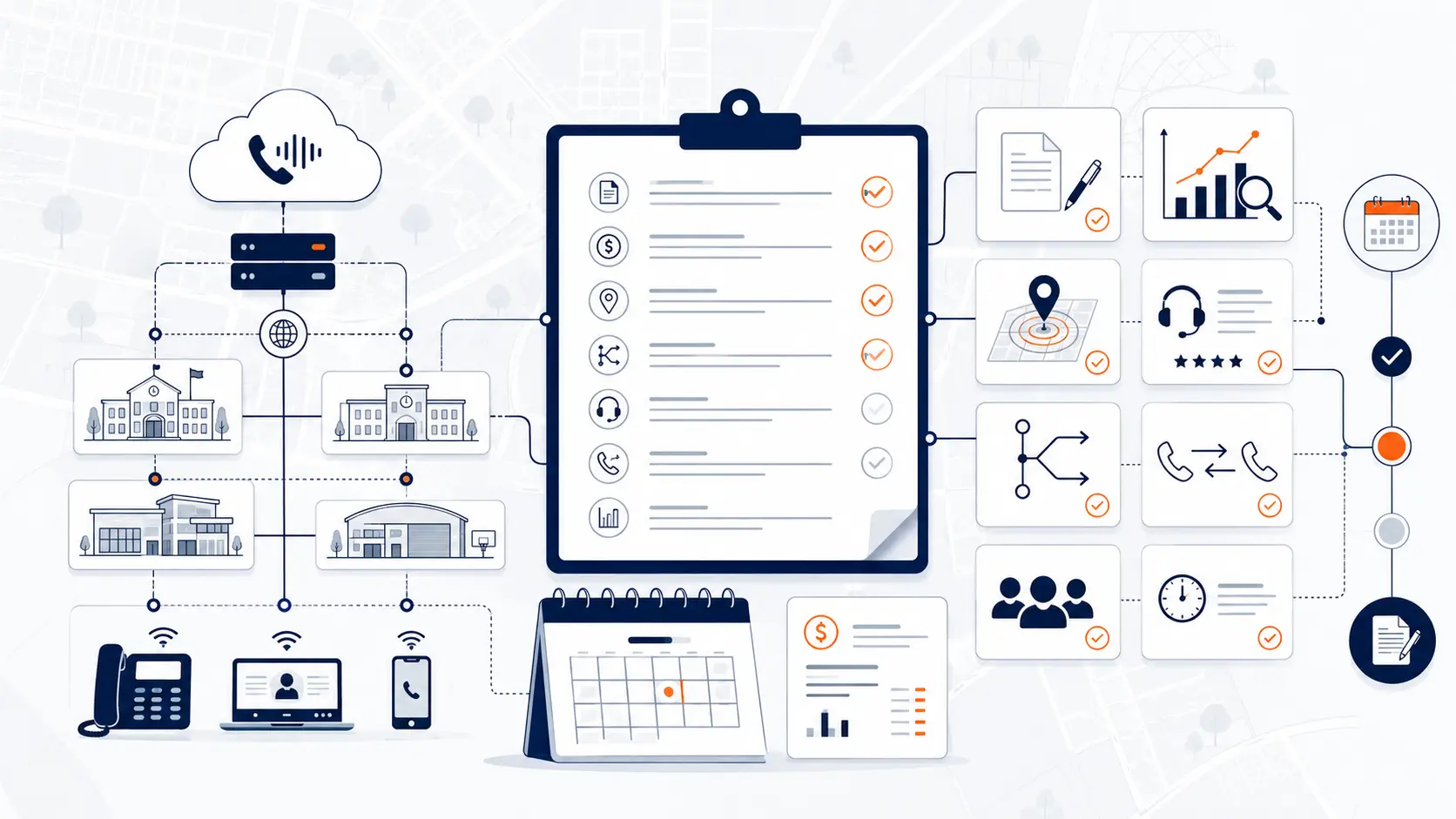
How to audit a district extension list
A practical extension audit does not need to be complicated. Start with the current phone bill, the PBX extension export, the hosted VoIP user list, and a campus-by-campus room list.
Step 1: Export the current extension list
Ask for the current list from the PBX, hosted portal, or current provider. Include:
- extension number
- display name
- assigned user or room
- building
- room or area
- direct number
- voicemail status
- device type
- mobile app or softphone assignment
- call group membership
Step 2: Compare it to actual buildings and rooms
Match extensions to the district’s current building list. This helps identify old records, moved phones, closed rooms, and missing locations.
Step 3: Tag each extension by use type
Use simple categories:
- full staff user
- classroom phone
- front office phone
- shared area phone
- department phone
- conference room phone
- voicemail-only
- specialty line
- unknown
- remove or review
The “unknown” category matters. It shows where the district needs discovery before a cutover.
Step 4: Identify paid features that are not being used
Review which extensions have:
- direct numbers
- mobile app access
- voicemail
- call recording
- advanced routing
- premium user licenses
- device rental
- support add-ons
Then ask whether those features still match the role.
Step 5: Review call groups and auto attendants
Extension cleanup should not break call flow. Before removing anything, check:
- auto attendant menu options
- ring groups
- call queues
- hunt groups
- voicemail destinations
- after-hours routing
- emergency notification paths
Step 6: Map E911 locations
Confirm which extensions need location data. Classroom and fixed phones should be mapped to real locations. Mobile users and softphones should be reviewed under the district’s E911 policy and phone system capability.
Step 7: Build the replacement or renewal count
Do not use the old total as the new total. Build the renewal or replacement count from reviewed categories.
What to question in an existing hosted VoIP installation
Many districts have already moved away from traditional PBX equipment. That does not mean the current system is right.
An existing hosted VoIP PBX should be reviewed when:
- the bill increases each year
- every extension is a paid user
- the district is unsure which extensions are active
- staff complain about routing or transfers
- E911 location data has not been reviewed recently
- the vendor cannot explain the invoice clearly
- unused mobile app licenses remain assigned
- support requires extra fees
- contract renewal is approaching
- number porting terms are unclear
- phone changes require vendor tickets for simple updates
A hosted system can solve old PBX problems and still create new ones. The district should review the current installation before signing another renewal.
For districts already using hosted service, Hosted VoIP for Schools: What Districts Should Review Before Renewal is the right next guide.
Extension planning table for school districts
| Extension type | Usually needs full user license? | E911 location review? | Renewal question |
|---|---|---|---|
| Superintendent or cabinet member | Often | Yes, if tied to a fixed phone | Does the role need desk phone, mobile app, direct number, and voicemail? |
| Principal or assistant principal | Often | Yes | Are routing, assistant coverage, and mobile access configured correctly? |
| Front office staff | Often | Yes | Is call flow built around real office coverage? |
| Classroom phone | Not always | Yes | Is this a room device rather than an individual user? |
| Library or cafeteria phone | Not always | Yes | Is it shared, low-use, or department-based? |
| Transportation office | Often | Yes | Does it need after-hours routing or emergency call paths? |
| Maintenance area phone | Not always | Yes | Is it a shared operational phone? |
| Conference room phone | Rarely | Yes | Is it still used and correctly mapped? |
| Voicemail-only box | Rarely | Maybe | Does anyone monitor it? |
| Mobile app user | Sometimes | Needs policy review | Is mobile access actually needed? |
| Old or unknown extension | No | Review before removing | Can it be retired safely? |
This table is only a planning aid. The right design depends on the district’s roles, buildings, devices, routing, and support model.
Questions to ask before accepting an extension-based quote
Before accepting a quote based on extension count, ask:
- Which extensions are billed as full users?
- Which extensions are shared devices?
- Which extensions are classroom phones?
- Which extensions include mobile app access?
- Which extensions have direct numbers?
- Which extensions include voicemail?
- Which extensions can be grouped or simplified?
- Which unused extensions can be removed?
- How are E911 locations managed for each phone?
- Are softphones billed separately?
- Are device fees separate?
- Are support fees separate?
- Are taxes, surcharges, and recovery fees shown clearly?
- Can the district add room phones without paying for unnecessary full user seats?
- What happens at renewal?
A clear proposal should make it easy to understand what the district is paying for.
How a system review helps
A district phone system review can help separate required extensions from inherited extension clutter. It can also help identify whether the current pricing model fits the way schools actually use phones.
K12 Phone Systems reviews:
- phone bills
- PBX or hosted system records
- extension lists
- building and room lists
- main numbers and direct numbers
- call routing
- auto attendants
- ring groups
- E911 location needs
- mobile app and softphone assignments
- unused or unclear extensions
- renewal and replacement concerns
If your district is paying by extension and the invoice feels too high, start with a review before signing another term.
Related planning resources
- District Phone System Review Checklist
- School Communications Infrastructure Framework
- K-12 E911 Readiness Checklist
- District Phone System Modernization Roadmap
- School Phone Systems
- K-12 VoIP Phone Systems
- School Phone System Buyer’s Guide
Frequently asked questions
How many phone extensions does a school district really need?
A district needs enough extensions to support staff roles, front offices, classrooms, shared spaces, operations teams, and emergency communication. The right number is not the same as the employee count. It should be based on users, rooms, devices, call flows, and E911 location needs.
Should every classroom phone be a paid VoIP user?
Not always. Classroom phones are often place-based devices tied to rooms. They may need emergency calling, internal reachability, and location mapping, but they may not need the same paid feature set as a full staff user.
Can per-extension pricing make school VoIP cost too much?
Yes. Per-extension pricing can cost too much when classroom phones, shared devices, low-use phones, voicemail-only boxes, and unused extensions are billed as full users. Districts should review actual usage before renewal or replacement.
Should a district remove unused extensions before migration?
Yes, after review. Removing unused extensions before migration can reduce clutter, lower cost, simplify routing, and improve location accuracy. The district should confirm that an extension is not tied to a call path, voicemail destination, emergency notification, or shared device before removing it.
Do extensions affect E911 planning?
Yes. Fixed phones and assigned extensions often connect to dispatchable location records. If an extension is tied to a classroom, office, gym, or portable building, the location data should be accurate.
Do mobile apps and softphones need their own extensions?
Sometimes. Some users need mobile or softphone access, but districts should avoid assigning paid mobile access to staff who will never use it. Mobile and softphone use should be reviewed for E911 location handling and policy needs.
Can a district keep existing extension numbers when moving systems?
Often, yes. Many districts keep familiar internal extension numbers during migration. The plan should confirm extension length, conflicts, routing, voicemail behavior, direct numbers, and how old records map into the new system.
What should we send before an extension review?
Send the current phone bill, PBX export, hosted user list, extension list, campus list, building list, and known call flow notes. If those are not available, send what you have and start with the biggest known issues.
References
Ready to review your district’s extension count?
If your district is paying by extension, renewing hosted VoIP, or replacing an aging PBX, review the extension list before accepting the next quote.
Share your phone bill, extension list, hosted user export, or vendor proposal. We will help identify billing questions, routing concerns, E911 planning needs, and practical next steps.