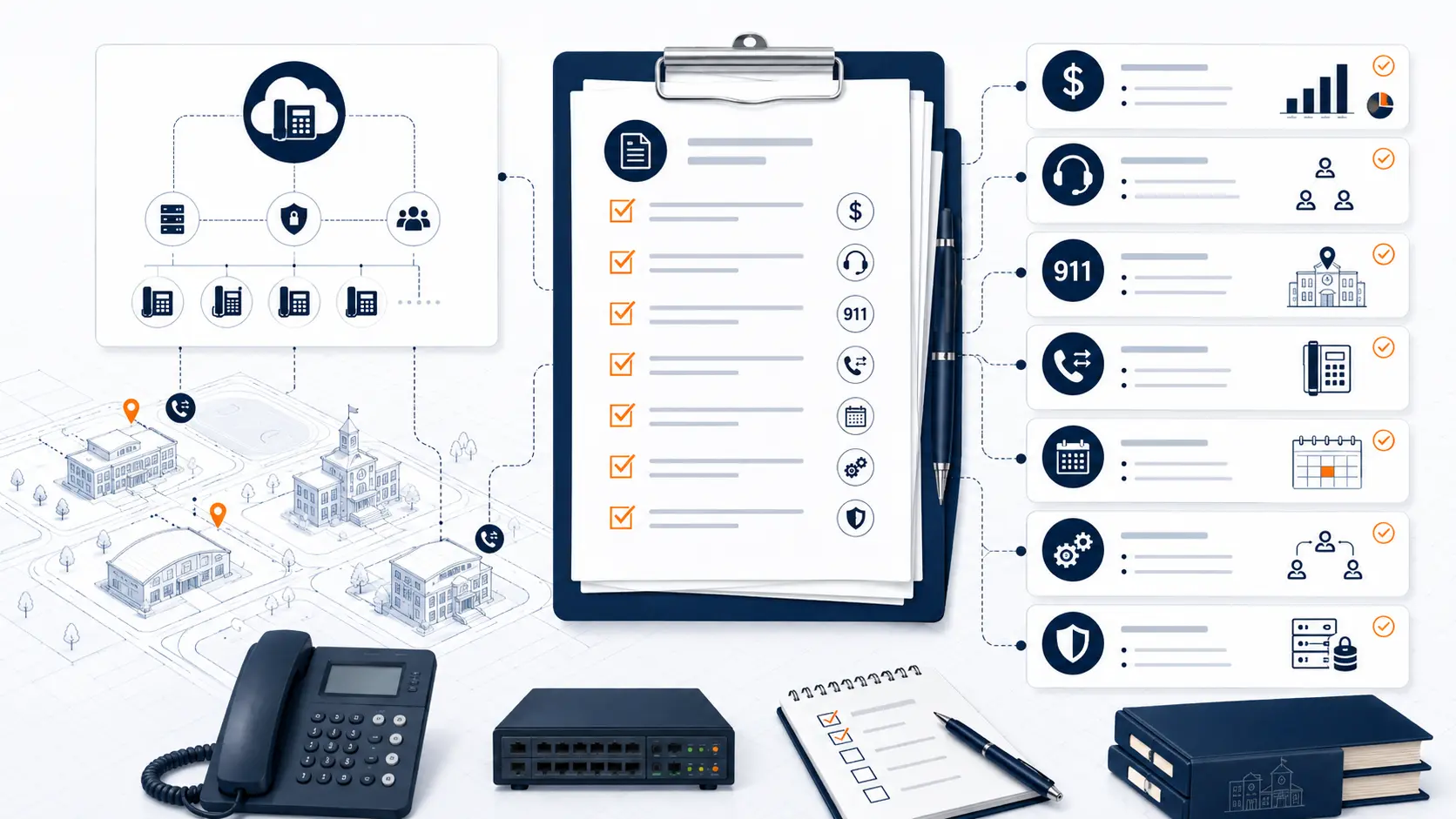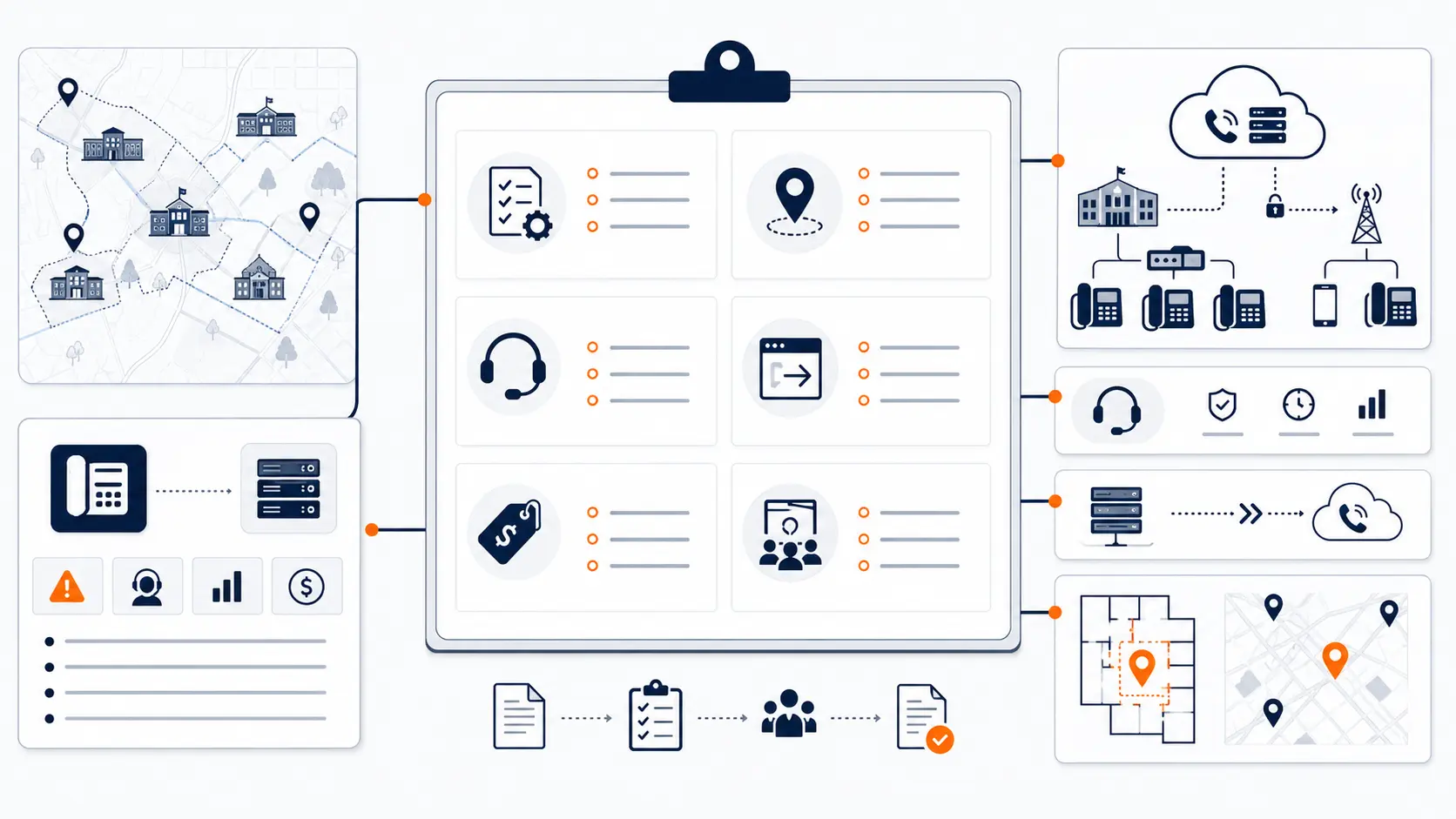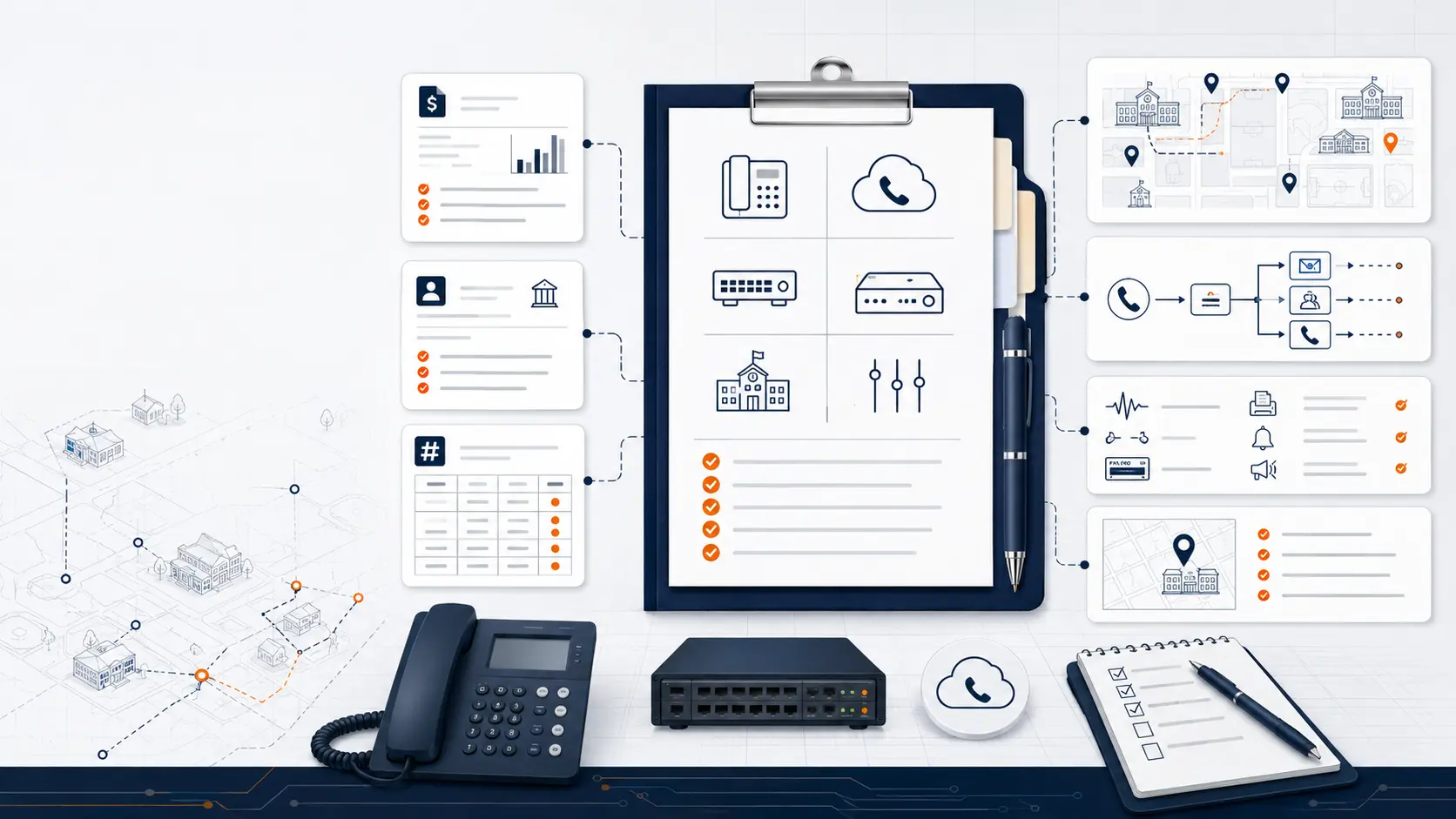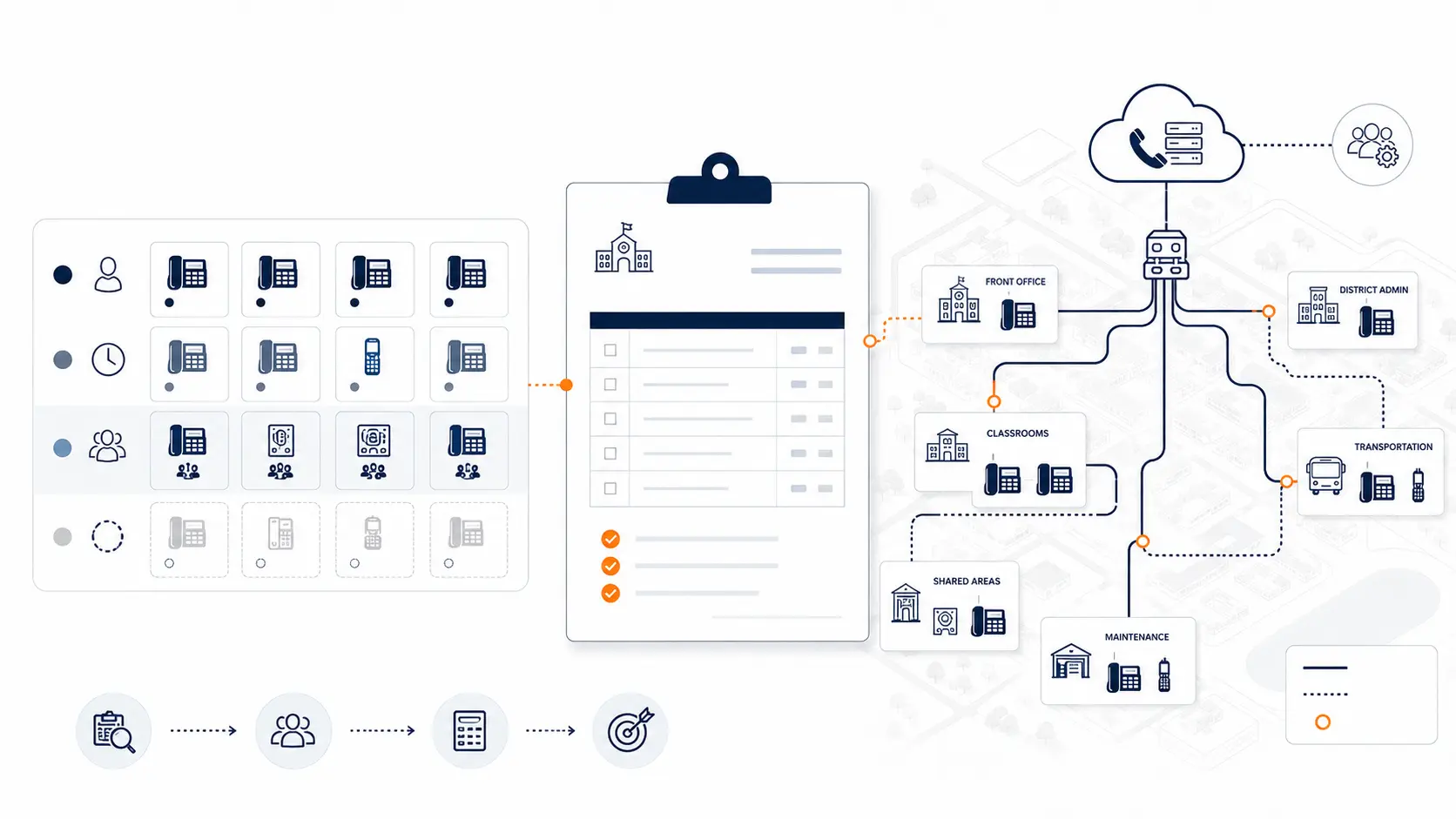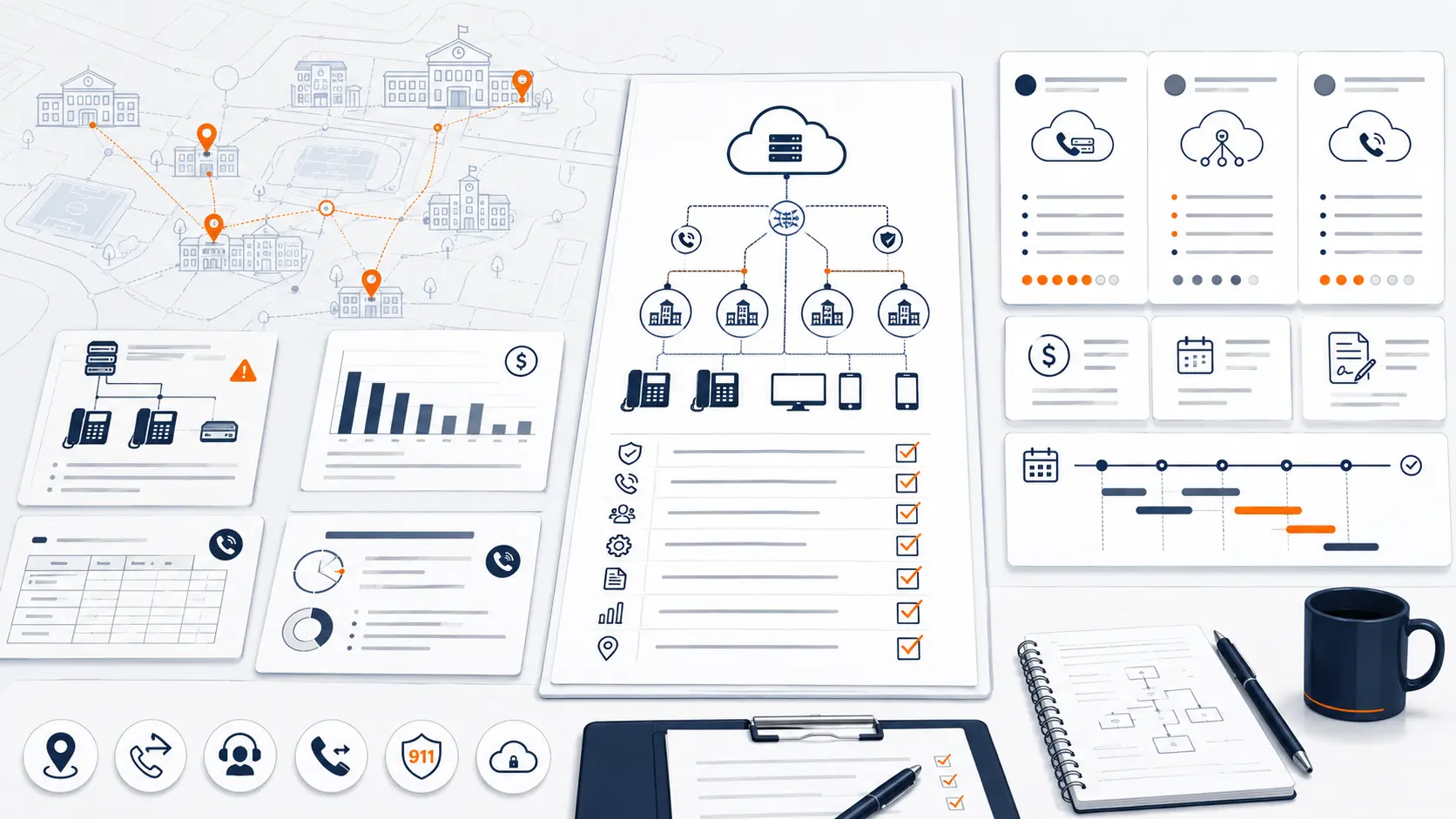
Buying a school phone system is not the same as buying phones for a small office. A district phone system supports front offices, classrooms, administrators, transportation, maintenance, nurses, security, and district leadership. It also touches emergency calling, public numbers, carrier records, building data, staff access, after-hours routing, number porting, and support during cutover.
A good buyer’s guide should help the district ask better questions before the proposal stage. The goal is not to collect the most features. The goal is to choose a phone system that fits the way schools operate, supports E911 planning, gives IT enough control, avoids pricing traps, and can be migrated with minimal disruption.
This guide is for technical planning and general education only. It is not legal, procurement, E-Rate, or compliance advice. Districts should review legal, procurement, funding, and public safety obligations with qualified counsel, public safety authorities, finance staff, and any appropriate consultants.
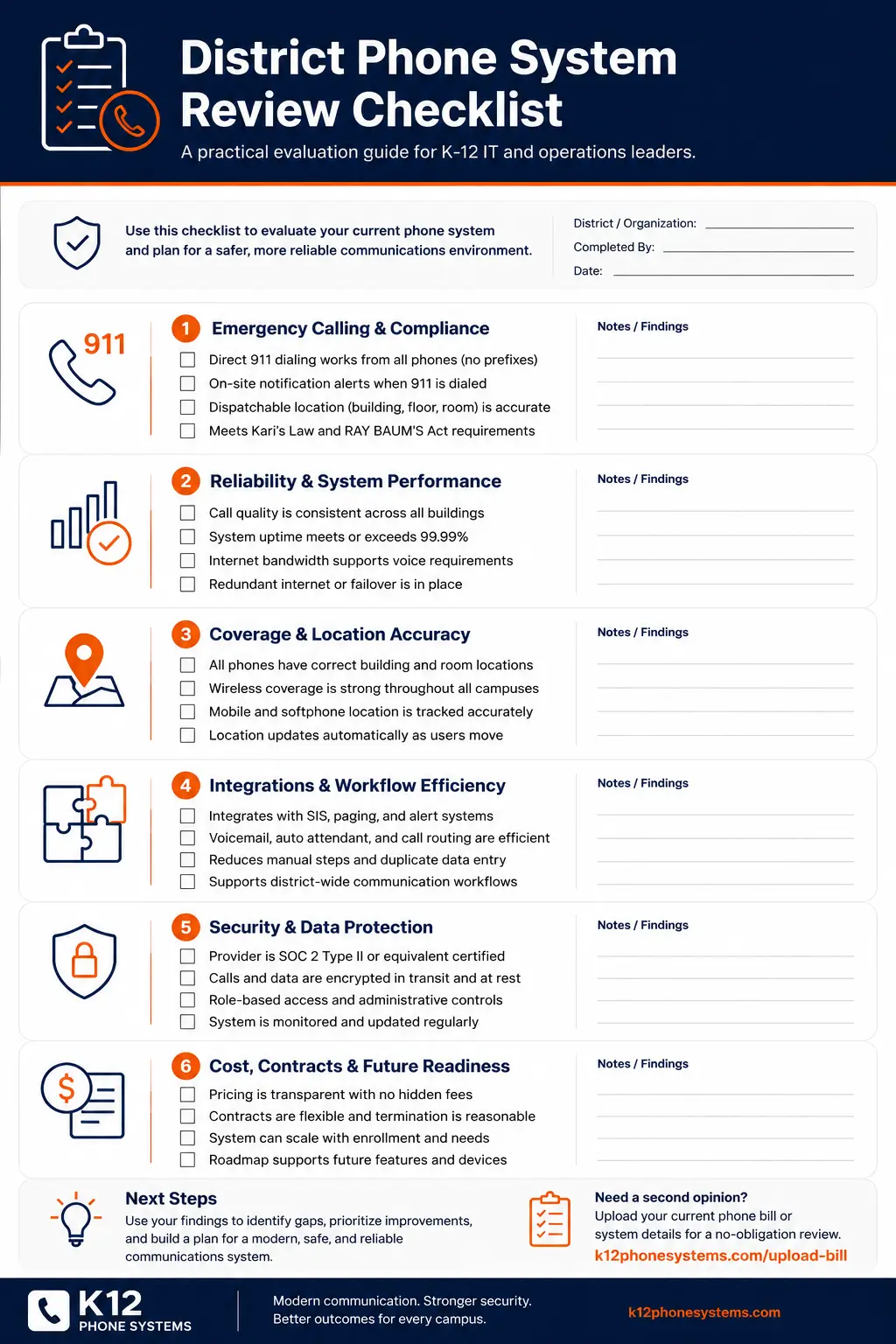
Request System Review | Download the District Phone System Review Checklist
What a school phone system buyer’s guide should help you decide
A school phone system buyer’s guide should help a district answer five questions:
- What problem are we trying to solve?
- What does the current phone environment look like?
- What requirements matter for our buildings, staff, and emergency workflows?
- How should we compare vendors and proposals?
- What must be planned before cutover?
Many districts begin with a simple question: “What is the best phone system for schools?” A better question is: “Which phone system fits our district’s buildings, call routing, E911 needs, staff roles, support expectations, and budget model?”
The best answer depends on the environment. A small single-campus charter school, a rural district with aging analog lines, and a large multi-campus district with separate administrative buildings all need different planning.
The buying process should make the district more confident, not more confused. If every quote looks different, every vendor uses different terms, and every proposal hides pricing in a different way, the district may need a clearer review process before selecting a system.
Start with the current phone environment
A school district should not begin with a vendor feature list. It should begin with a current-state review.
Before comparing phone systems, document the basics:
- Current PBX or hosted phone system
- Phone bills and carrier services
- Main district numbers
- Campus numbers
- Direct inward dial numbers
- Extension list
- Auto attendants
- Ring groups
- Front office call flows
- Classroom phone locations
- Administrative buildings
- Transportation and maintenance facilities
- Analog lines
- Fax, alarm, elevator, gate, and specialty lines
- E911 records and notification process
- Current support model
- Known outages or call quality issues
- Contract end dates and renewal terms
This review does not need to be perfect on day one. It just needs to be good enough to reveal what the vendor must solve.
Use the District Phone System Review Checklist to organize the current system before requesting quotes.
Define the buying trigger
Districts replace or review phone systems for different reasons. Knowing the trigger helps shape the project.
| Buying trigger | What it may mean | What to ask before vendor selection |
|---|---|---|
| Aging PBX hardware | The system may be hard to support or repair | Which components are fragile, unsupported, or undocumented? |
| E911 concerns | Location data, direct dialing, or notification may need review | How will direct 911 dialing, on-site notification, and dispatchable location be handled? |
| Multi-campus routing problems | Calls may not reach the right building or department | How should main numbers, campus numbers, and transfer paths be rebuilt? |
| Existing VoIP pricing is too high | The district may pay for too many extensions or unused seats | Is pricing based on real usage, extensions, call paths, or another model? |
| Analog line replacement | Specialty services may need careful review | Which lines are voice, fax, alarm, elevator, gate, or specialty use? |
| Support frustration | Existing vendors may respond too slowly | What support is included before, during, and after migration? |
| Contract renewal | Current terms may lock in bad pricing or limited service | What changes before signing another term? |
A district with a failing PBX needs a different plan than a district reviewing an expensive hosted VoIP contract. Both are phone system projects, but the decision path is different.
School phone system requirements that matter
A proposal should show how the phone system supports real district operations. A long feature list is not enough.
Front office calling
The front office is often the highest-pressure phone environment in a school. Parents, vendors, staff, administrators, and emergency contacts all rely on it.
Review:
- Main number routing
- Office ring groups
- Overflow rules
- Voicemail handling
- Transfer paths
- Lunch, after-hours, holiday, and closure greetings
- Backup routing if the main office cannot answer
- Caller ID display for outbound calls
- Permissions for office staff to make changes
If the front office call flow is poorly designed, the rest of the system will feel broken.
District administration
District administration often needs department routing across leadership, HR, finance, operations, technology, special services, and student services.
Review:
- Department main numbers
- Shared voicemail
- Executive assistant routing
- Call transfer rules
- District-wide caller ID
- Central office extensions
- After-hours handling
- Backup routing during closures or outages
A district office should not rely on tribal knowledge to transfer calls.
Classrooms and staff access
Not every classroom or staff role needs the same phone setup. Some rooms need physical phones. Some staff may use softphones or mobile apps. Some roles need limited access.
Review:
- Classroom phone placement
- Shared spaces
- Teacher privacy
- Mobile staff
- Substitute teacher needs
- Nurse offices
- Counseling offices
- Staff who travel across campuses
- Softphone and mobile app policies
A phone system should support staff access without exposing personal cell numbers or making emergency calling location data harder to manage.
Transportation, maintenance, and operations
Transportation and maintenance teams often sit outside the normal classroom phone plan, yet they are critical to daily operations.
Review:
- Department numbers
- Route coordination needs
- After-hours call handling
- Maintenance emergency routing
- Mobile user policies
- Shared phones
- Remote office locations
- Weather and closure workflows
These departments should be included early instead of added after the project is designed.
Multi-campus routing
A multi-campus district needs consistent routing and local control. The phone system should make it easy for callers to reach the right site.
Review:
- Campus main numbers
- District main number
- Shared departments
- Campus transfer paths
- Building-level ring groups
- Site-based auto attendants
- District-wide extension plan
- Failover between sites
- Campus-by-campus cutover order
For deeper planning, use the Multi-Campus Phone Systems guide.
E911 and emergency calling readiness
Emergency calling is one of the highest-risk parts of school phone system planning.
Districts should review:
- Direct 911 dialing
- On-site notification
- Dispatchable location
- Building, floor, room, zone, or area information
- Softphone and mobile app use
- Phone moves, adds, and changes
- Testing procedures
- Documentation ownership
Federal rules for multi-line telephone systems include requirements related to direct 911 dialing, notification, and dispatchable location. Review the FCC’s official MLTS 911 requirements for the source language and consult qualified counsel or public safety authorities for district-specific guidance.
A hosted phone system can support E911 planning, but it does not automatically solve the issue. Location records still need to match real devices and real spaces. Staff roles and mobility still need review. Testing still matters.
Use the K-12 E911 Readiness Checklist before selecting a system or signing a proposal.
Pricing models districts should question
Many districts compare phone systems by looking at monthly cost. That is not enough. The pricing model matters.
The wrong model can make a system expensive even when the per-unit price looks normal.
Per-extension pricing
Per-extension pricing can be a problem for schools. Districts often have many extensions that are not active users in the same way a corporate office counts users.
Examples:
- Classroom phones
- Shared office phones
- Cafeteria phones
- Library phones
- Gym phones
- Maintenance shop phones
- Transportation phones
- Nurse office phones
- Breakroom phones
- Fax or specialty endpoints
- Low-use administrative extensions
If a district pays the same monthly fee for every extension, it may be paying too much.
The key question is not “How many extensions do we have?” The better question is “How much real calling capacity and support does the district need?”
Seat pricing
Seat pricing may work for staff users, but it can punish districts that have many low-use phones, shared spaces, or occasional-use endpoints.
Ask:
- What counts as a billable seat?
- Are classroom phones priced the same as heavy users?
- Are shared devices priced differently?
- Are softphones priced separately?
- Are mobile apps included?
- Are voicemail-only users billed?
- Are unused extensions still billed?
Concurrent call or call path pricing
A call path model may make sense where many extensions exist, but only a smaller number of simultaneous calls happen at one time.
Ask:
- How many simultaneous calls does the district actually need?
- Are emergency calls treated correctly?
- What happens during peak calling?
- Can capacity be adjusted?
- How is usage monitored?
Add-on fees
A quote may look reasonable until add-ons appear.
Review charges for:
- Desk phones
- Phone rental or leasing
- Softphones
- Mobile apps
- Voicemail to email
- Call recording
- Auto attendants
- Ring groups
- Support tiers
- Porting
- E911 services
- Taxes and regulatory fees
- Training
- After-hours cutover support
- Contract minimums
A district should ask vendors to show the full monthly cost and the full one-time migration cost.
Existing VoIP systems still deserve review
Many districts are not replacing a copper-era PBX. They already have a VoIP PBX or hosted phone system, but the installation still may not be right.
A current VoIP system can still have problems:
- High per-extension pricing
- Unused paid licenses
- Poorly designed call routing
- Weak support
- Inconsistent campus setup
- Confusing billing
- Outdated phones
- Bad auto attendants
- E911 records that were never cleaned up
- No clear failover plan
- Mobile apps nobody uses
- Contract terms that renew at high rates
- Hidden fees added over time
A district should review an existing VoIP installation before renewing. A system can be “modern” and still be overpriced, poorly configured, or wrong for school operations.
Use these questions:
- Are we paying by extension when we should not be?
- How many extensions are used daily?
- How many phones exist only for low-volume spaces?
- Are classroom phones priced the same as office users?
- Are support, E911, and porting billed separately?
- Do staff still complain about transfers and routing?
- Are campus call flows consistent?
- Do we know who owns E911 location updates?
- Is the vendor support model working?
- What happens if we do not renew?
The Request System Review process can help identify whether the current system needs replacement, renegotiation, redesign, or a phased migration.
Hosted phone system vs legacy PBX
A hosted phone system can reduce on-site hardware burden and give the district more centralized control. A legacy PBX may still work, but it can become hard to support over time.
| Area | Legacy PBX | Hosted phone system |
|---|---|---|
| Hardware | Often relies on on-site equipment | Hosted platform reduces on-site PBX dependence |
| Administration | May require specialized knowledge | Usually managed through a web portal |
| Scaling | May require hardware, licensing, or wiring changes | Usually easier to add or change users and devices |
| Remote access | Often limited | Can support softphones and mobile apps |
| E911 planning | May rely on old records or manual updates | Can support centralized location management, but still needs careful setup |
| Failover | May depend on local hardware and carrier lines | Can support routing changes and cloud-based continuity planning |
| Support | May depend on aging technician knowledge | Usually tied to provider support model |
| Number management | Can be complex across carriers and sites | Can be centralized, subject to porting and carrier coordination |
| Migration | Hardware and call flows must be carefully mapped | Still requires cutover planning, testing, and training |
| Cost visibility | Old bills can be hard to understand | New bills can still be confusing if add-ons or per-extension pricing are not clear |
Hosted systems are not automatically better. They are better only when the district plans call routing, E911, pricing, network readiness, porting, device placement, and support in a disciplined way.
Network readiness questions
A hosted phone system depends on the district network. Voice quality and reliability require more than “we have internet.”
Review:
- Internet reliability at each site
- Network switches
- Cabling
- Power over Ethernet
- Battery backup
- Firewall rules
- Voice traffic handling
- Wi-Fi expectations for softphones
- Site-to-site connectivity
- Failover internet
- Outage procedures
Ask vendors to explain network requirements in plain language.
A vendor should not simply say, “It runs on the internet.” They should explain what needs to be reviewed before deployment and what happens during an outage.
Number porting and call routing
Number porting is one of the most sensitive parts of a school phone system project. Main numbers are public-facing. If they do not work, the district hears about it fast.
Review:
- District main number
- Campus main numbers
- Department numbers
- Direct inward dial numbers
- Fax numbers
- Published numbers on websites, directories, and printed material
- Emergency or after-hours numbers
- Temporary forwarding options
- Cutover date and time
- Testing process
- Rollback or contingency plan
Call routing should be rebuilt intentionally. Do not just copy the old system if the old routing was confusing.
Ask:
- Who answers the main number?
- What happens if they are busy?
- How are attendance calls handled?
- How are nurse, transportation, and maintenance calls routed?
- What changes after hours?
- Who can change greetings?
- Who owns holiday schedules?
- How are closure messages updated?
Vendor evaluation checklist
Use this checklist before selecting a school phone system vendor.
District fit
- Do they understand K-12 operations?
- Can they discuss front office, campus, district office, transportation, and maintenance workflows?
- Do they ask about buildings and call flow before quoting?
- Do they understand phased cutover needs?
- Do they avoid generic business phone assumptions?
E911 planning
- Do they review direct 911 dialing?
- Do they support on-site notification planning?
- Do they discuss dispatchable location?
- Do they ask about softphones and mobile apps?
- Do they address phone moves and ongoing record maintenance?
- Do they avoid giving legal compliance guarantees?
Pricing
- Do they explain what counts as a billable user, extension, device, or call path?
- Do they show monthly and one-time costs clearly?
- Do they identify taxes, fees, porting, phones, support, and E911 charges?
- Do they make it clear what is included?
- Do they make it clear what is not included?
- Can they show why the pricing model fits a school district?
Migration
- Do they provide a phased plan?
- Do they review number porting risk?
- Do they plan testing before cutover?
- Do they support staff readiness?
- Do they stay involved after launch?
- Do they document routing and configuration?
Support
- What support is included?
- What happens during an outage?
- Who handles urgent issues?
- What support hours apply?
- How are changes requested?
- Is post-launch support included or billed separately?
Questions to ask before signing a school phone system contract
A district should ask direct questions before signing.
- What is the full monthly cost?
- What is the full one-time cost?
- Are we paying per extension, per user, per device, per call path, or another model?
- What counts as a billable item?
- What phones, apps, and features are included?
- What support is included?
- What support costs extra?
- What is the contract term?
- What happens at renewal?
- Can we keep existing numbers?
- What is the porting process?
- Who rebuilds auto attendants and ring groups?
- Who reviews E911 location data?
- Can deployment be phased by campus?
- What is the cutover plan?
- What happens if a campus has an internet outage?
- Who owns phone moves, adds, and changes after launch?
- What reports or documentation will we receive?
If a vendor cannot answer these clearly, the district should slow down.
Procurement and funding considerations
Phone system procurement may involve district purchasing rules, board approval, state rules, contract vehicles, formal bids, or RFP processes.
The buying team should involve the right people early:
- Technology
- Operations
- Finance
- Procurement
- District leadership
- Front office representatives
- Facilities
- Public safety contacts where needed
E-Rate can support eligible schools and libraries with discounts for certain eligible services and equipment. USAC publishes program information and eligible services guidance. Districts should review E-Rate questions with their E-Rate consultant, finance team, or legal counsel before assuming any phone system component qualifies.
Do not treat funding as a sales shortcut. Treat it as a review item.
What a district should receive before launch
A phone system project should not end with “phones installed.”
Before launch, the district should expect clear outputs such as:
- Number porting plan
- Call routing plan
- Auto attendant structure
- Ring group plan
- Phone placement list
- Extension list
- E911 planning notes
- Cutover schedule
- Testing plan
- Staff readiness notes
- Support contact process
- Post-launch change process
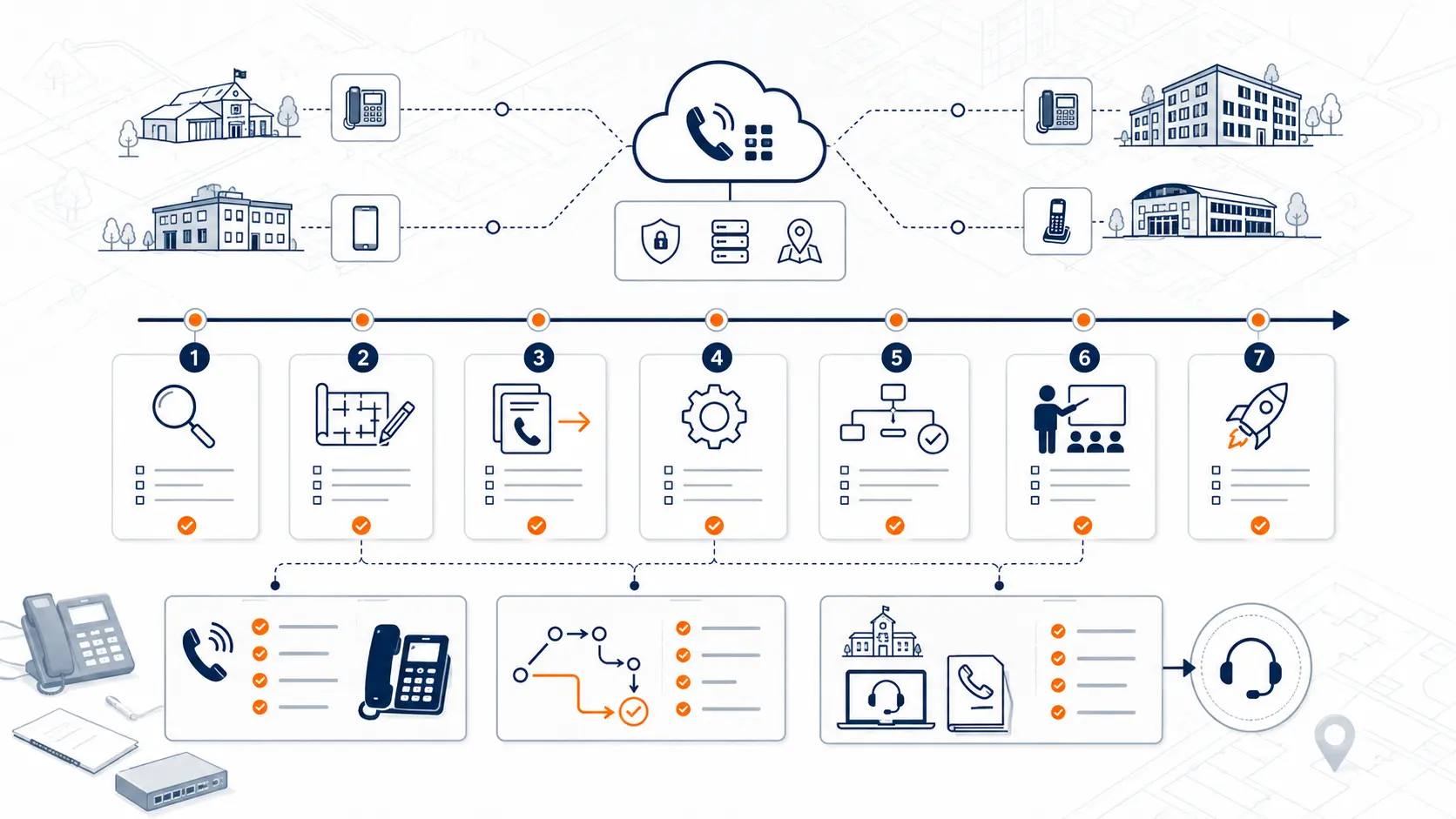
The District Phone System Modernization Roadmap can help organize these steps.
What a system review should include
A review should give the district a clearer view of the current environment before proposals are compared.
K12 Phone Systems reviews:
- Current phone system
- Current phone bills
- Buildings and campuses
- Main numbers and extensions
- Call routing
- Auto attendants and ring groups
- E911 planning needs
- Existing VoIP pricing issues
- Analog lines and specialty services
- Porting requirements
- Cutover risks
- Network readiness questions
- Support expectations
The review is not meant to pressure the district into a purchase. It is meant to clarify what should be planned, what questions should be asked, and what risks should be addressed.
Related planning resources
- District Phone System Review Checklist
- District Phone System Modernization Roadmap
- K-12 E911 Readiness Checklist
- Legacy PBX Risk Map for School Districts
- School Communications Infrastructure Framework
Frequently asked questions
What is the best phone system for schools?
The best phone system for a school district is the one that fits the district’s buildings, staff roles, routing needs, emergency calling plan, support expectations, and budget model. Hosted systems can be a good fit, but they still need proper planning.
Should a district replace its PBX or review its existing VoIP system first?
Start with a review. Some districts need PBX replacement. Others already have VoIP but are paying too much, using poor routing, or working around support issues. The current environment should drive the decision.
Is per-extension pricing bad for schools?
It can be. Schools often have many low-use extensions in classrooms, shared spaces, and support areas. Paying a full monthly user fee for every extension may cost more than necessary.
Can schools keep existing phone numbers?
Often, yes, but number porting must be reviewed carefully. Main numbers, campus numbers, department numbers, fax numbers, and direct numbers should be documented before cutover.
Can a school phone system be deployed campus by campus?
Yes. Many districts benefit from phased deployment. A campus-by-campus rollout can reduce risk, support testing, and give staff more time to adjust.
How does E911 affect the buying decision?
E911 planning affects system design, location records, phone placement, softphone use, on-site notification, and testing. It should be reviewed before a system is selected and before cutover.
Does a hosted phone system automatically reduce cost?
No. Hosted systems can reduce on-site PBX dependency, but cost depends on pricing model, number of users, number of extensions, call paths, phones, add-ons, and support terms.
What should districts ask about analog lines?
Districts should ask which analog lines are still active, what each line supports, and whether the line connects to voice, fax, alarm, elevator, gate, or specialty systems. Do not assume every analog line can be replaced the same way.
How long does a school phone system migration take?
The timeline depends on the number of campuses, number porting, call flow complexity, E911 planning, network readiness, device rollout, and staff training. A phased migration is often safer than a rushed cutover.
What should we send before requesting a system review?
Send a current phone bill, vendor proposal, campus list, extension list, main number list, or a summary of the issues you are trying to solve. You do not need a perfect inventory to start.
References
- Multi-line Telephone Systems 911 Requirements
- E-Rate Program Overview
- Eligible Services Overview
- K-12 School Security Guide Product Suite
Ready to choose a school phone system with less guesswork?
Share your current phone setup, phone bill, campus list, or vendor proposal. We will help identify pricing questions, E911 review areas, migration considerations, and practical next steps.