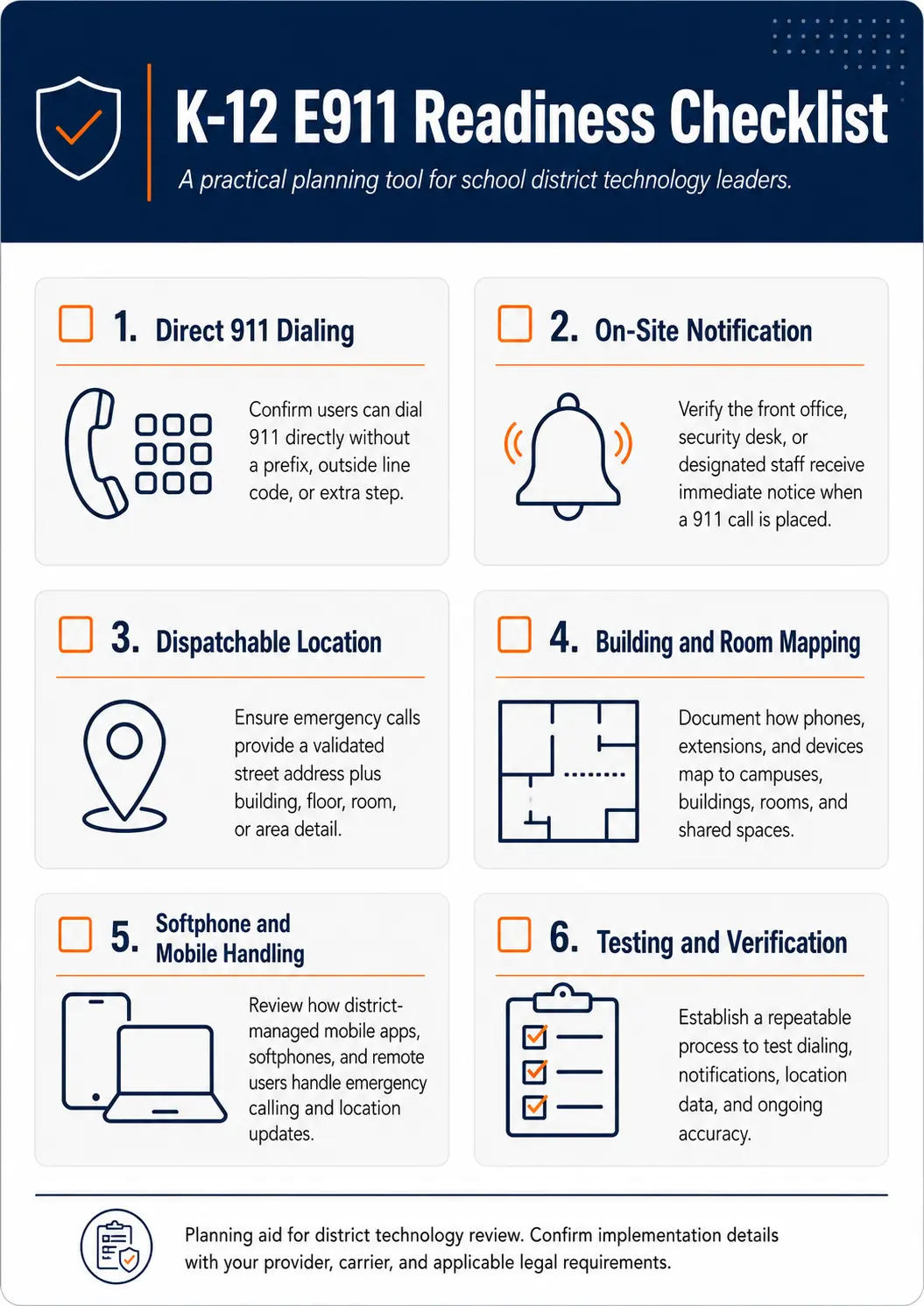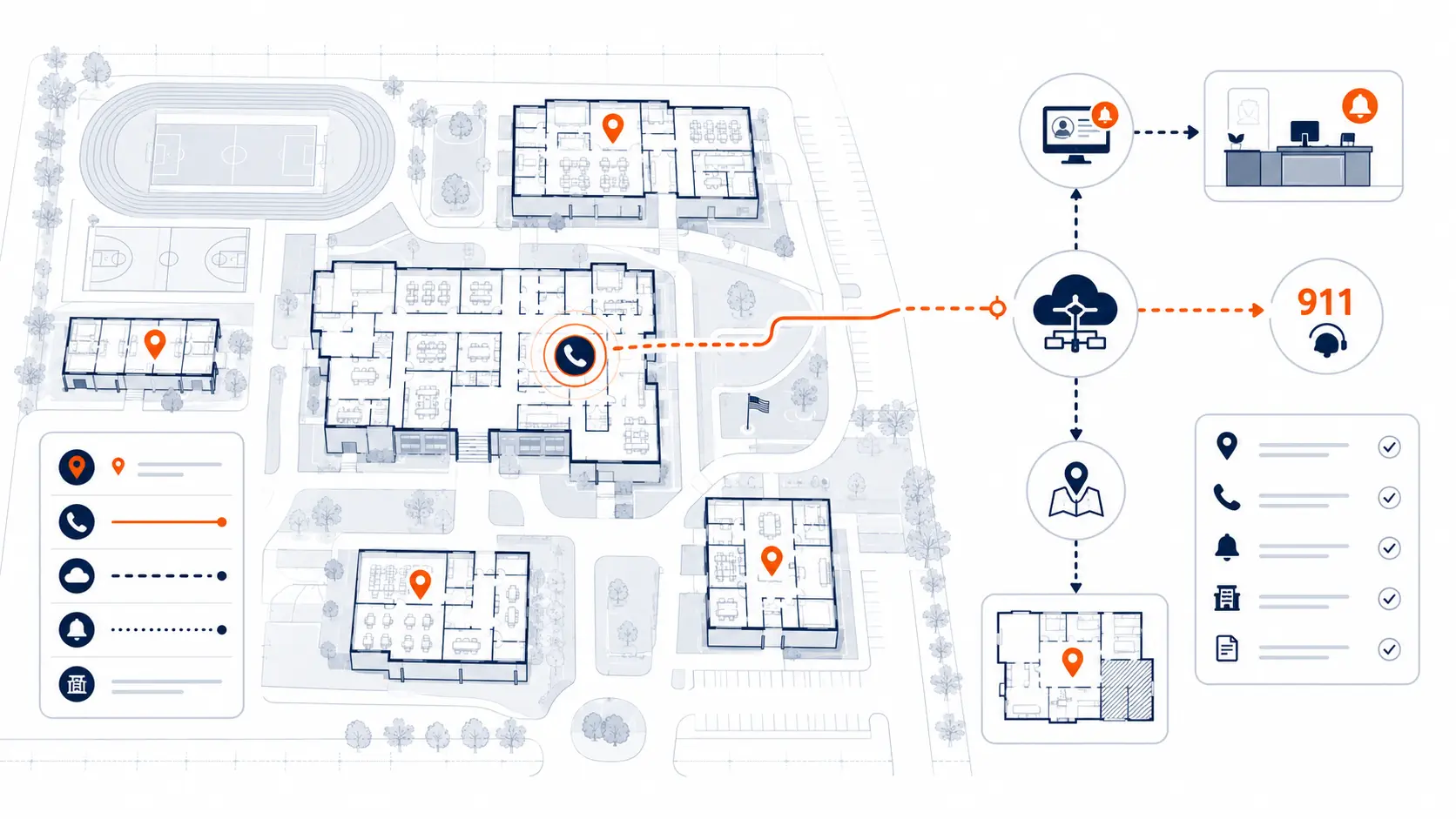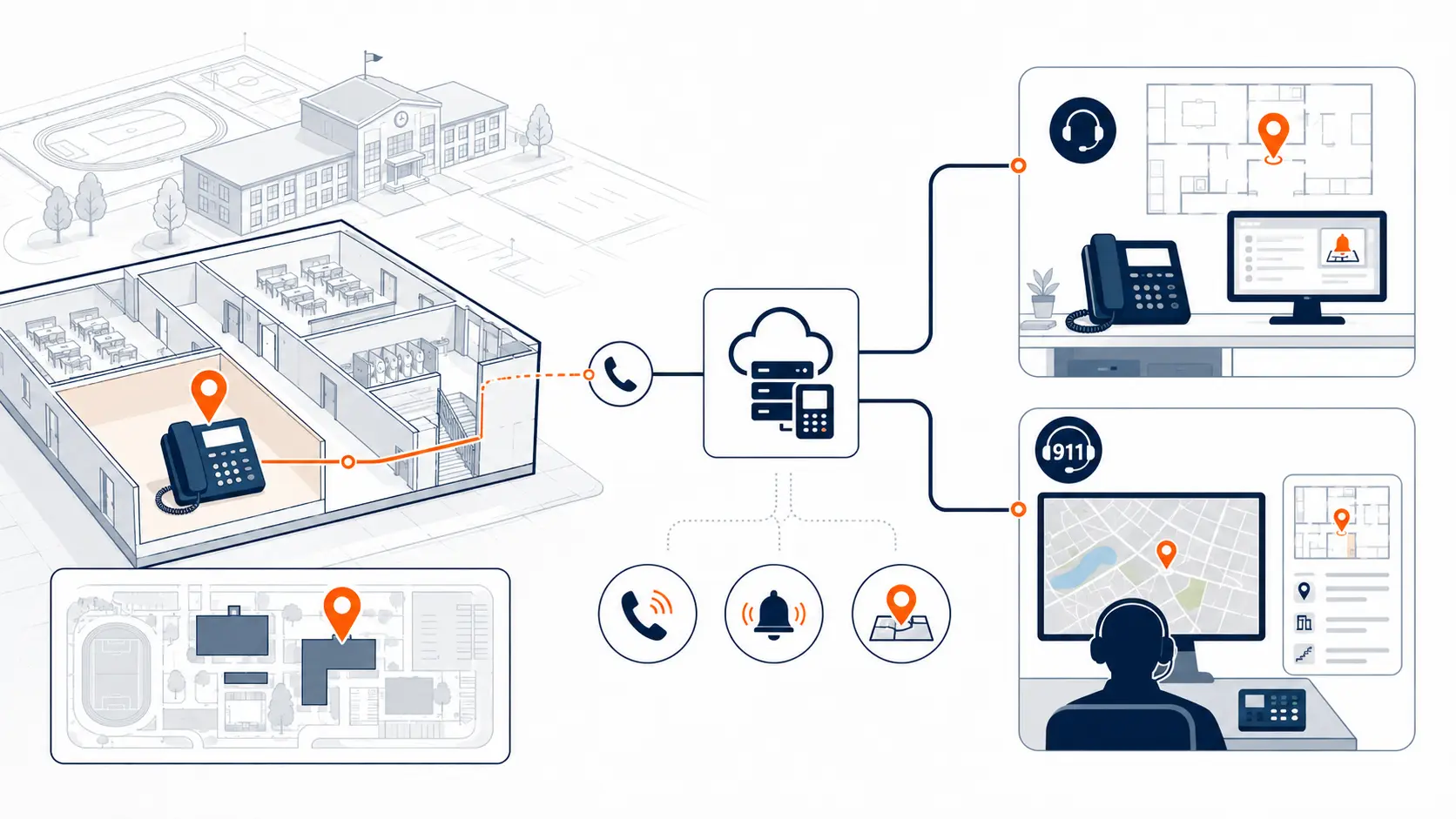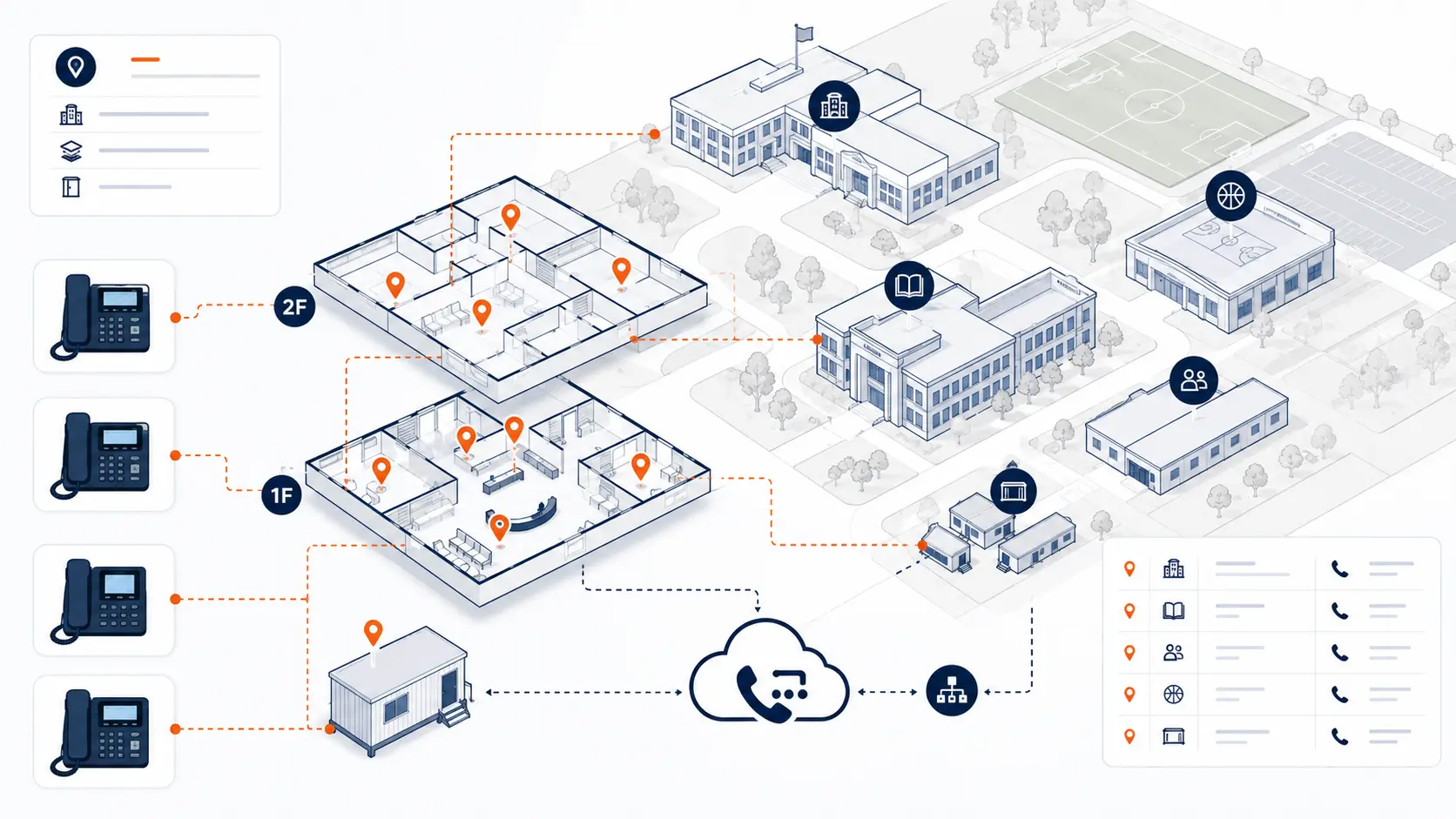
Emergency calling readiness should not be assumed just because a phone can make outbound calls. School districts need a clear testing process for direct 911 dialing, on-site notification, dispatchable location, callback numbers, softphones, mobile apps, and records that connect devices to real rooms and buildings. The goal is not to create alarm. The goal is to confirm that emergency calling works before the district has to depend on it.
This guide is for technical planning and general education only. It is not legal advice. Districts should review legal and compliance obligations with qualified counsel, public safety authorities, and appropriate state or local agencies.
Request System Review | Download the K-12 E911 Readiness Checklist
Why emergency calling tests matter for schools
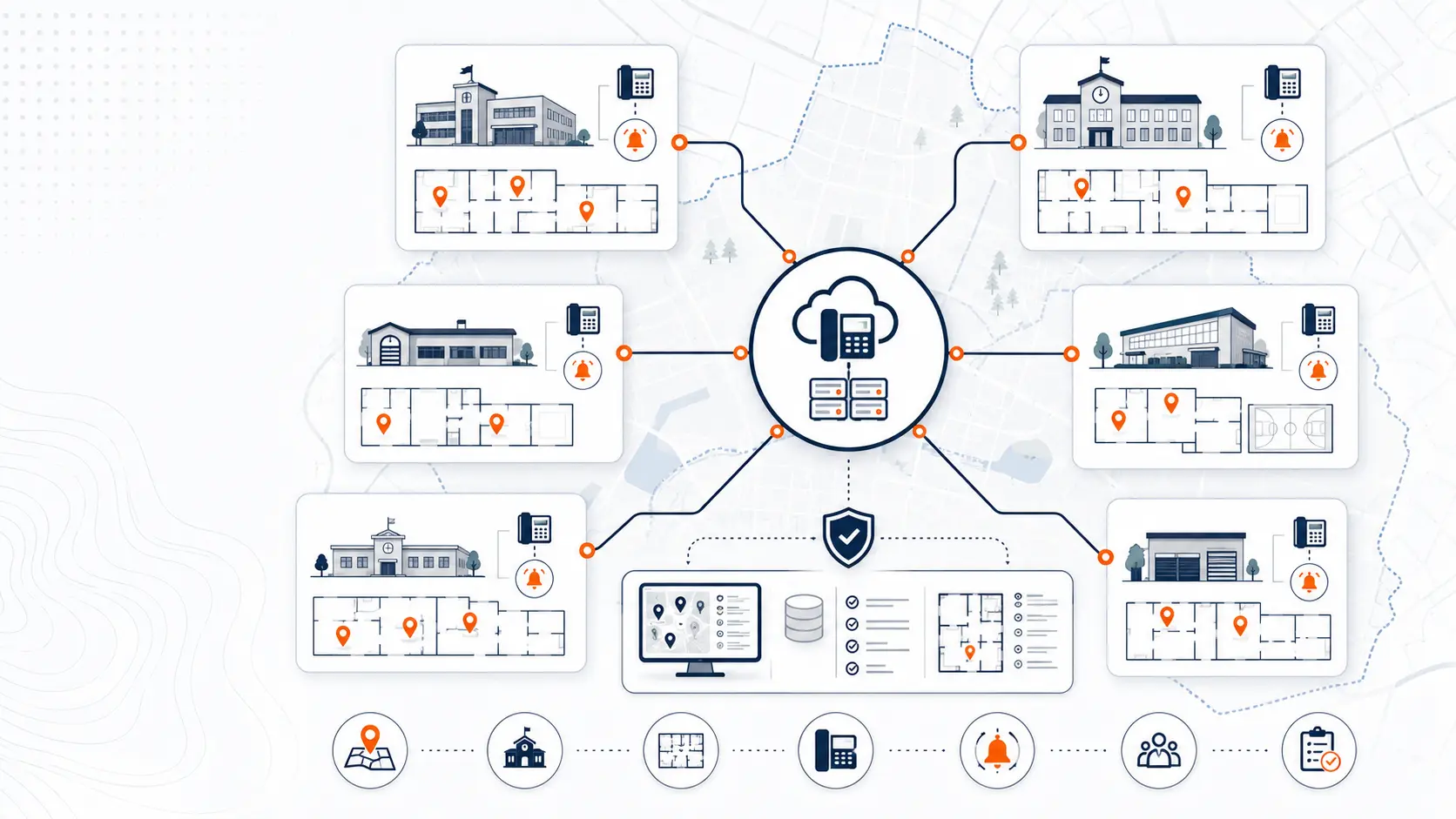
A school phone system is not like a single office phone setup. Districts often have multiple campuses, separate buildings, portables, gyms, cafeterias, libraries, district administration offices, transportation facilities, maintenance buildings, and shared staff spaces. A working phone system still may not be ready for emergency calling if the location records are wrong.
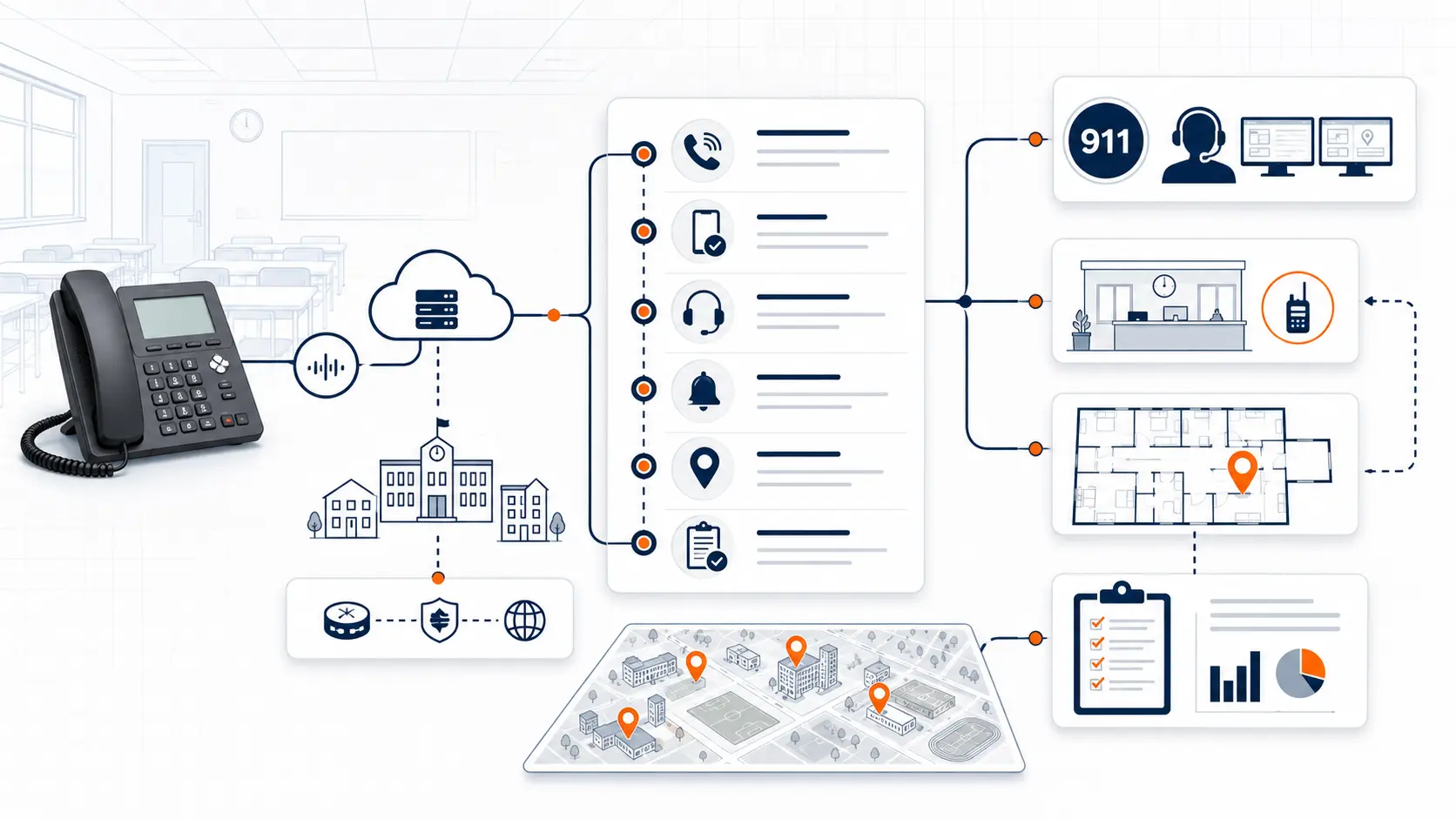
A school emergency call needs to answer several questions quickly:
- Can the caller dial 911 directly?
- Does the right front office, security desk, or district contact receive notice?
- Does the public safety answering point receive the correct dispatchable location?
- Is the callback number correct?
- Does the location match the device, building, floor, room, or area?
- Do softphones and mobile apps behave as expected?
- Is there a documented process for retesting after changes?
The FCC describes requirements for multi-line telephone systems under Kari’s Law and RAY BAUM’S Act, including direct 911 dialing, notification, and dispatchable location. Districts should treat these as planning and verification topics, not just vendor checkbox items.
What to test before a phone system cutover
Emergency calling should be reviewed before a new phone system goes live. Waiting until after cutover can leave the district trying to fix routing, device assignments, and location records after staff are already relying on the system.
Before cutover, review:
| Test area | What to confirm | Why it matters |
|---|---|---|
| Direct 911 dialing | A user can dial 911 without a prefix | Staff should not need to remember special dialing rules |
| On-site notification | The correct staff are alerted when 911 is dialed | Local staff may need to guide responders |
| Dispatchable location | Location data includes the right building, floor, room, or area | A street address may not be enough on a campus |
| Callback number | The PSAP receives a valid number | Dispatchers may need to call back |
| Device assignment | Phones are tied to the correct locations | Moved phones can create location errors |
| Softphone behavior | Mobile and laptop calling is handled correctly | Non-fixed devices need extra planning |
| Failover process | Backup routing is understood | Internet or carrier issues can affect service |
This is where the District Phone System Review Checklist helps. It gives the district a structured way to review phone system details before a replacement or vendor proposal becomes final.
Coordinate with the local PSAP before testing
Do not conduct live 911 test calls casually. Districts should coordinate testing with the local public safety answering point, emergency communications center, or appropriate local authority. Some jurisdictions may prefer scheduled test windows. Some may provide a non-emergency number for coordination. Some may have specific instructions for test calls.
At minimum, the district should document:
- Who approved the testing process
- Which campuses and buildings are included
- Which devices or extensions will be tested
- Which number the PSAP expects to receive
- What location data should display
- What staff should receive on-site notification
- Who records the test result
- What happens if a test fails
A safe test process protects the PSAP, the district, and the vendor. It also creates a record that the district can use during migration planning, leadership review, or post-cutover verification.
Build a school-specific E911 test plan
A test plan should follow the way the school district actually operates. Do not test only the front office and assume the rest of the system works.
A practical plan should include:
Front office phones
Front office phones often handle parent calls, visitor calls, transfers, and urgent internal communication. Test these first because they are usually the most visible phones in the building.
Confirm:
- Direct 911 dialing works
- On-site notification reaches the right contacts
- The dispatchable location identifies the campus and office area
- The callback number is correct
Classroom phones
Classroom phones may be located across floors, wings, hallways, annex buildings, and portables. Location records need to be more specific than the campus address.
Confirm:
- Room numbers or area labels are accurate
- Moved phones have updated records
- Emergency dialing does not require an outside-line prefix
- Internal labels match system records
Shared spaces
Gyms, cafeterias, libraries, auditoriums, nurse offices, counseling areas, and special education spaces may not follow the same device pattern as classrooms.
Confirm:
- Shared areas are represented in location records
- Staff can describe the location in plain language
- The system does not collapse all calls into the main office address
District administration and operations
District offices, transportation, maintenance, warehouse, and technology facilities often sit outside the main school campus. They should be tested as separate locations, not treated as extensions of one building.
Confirm:
- Each facility has the correct street address and extra location details
- Department-level phones are assigned correctly
- After-hours notification rules are clear
Test softphones and mobile apps separately
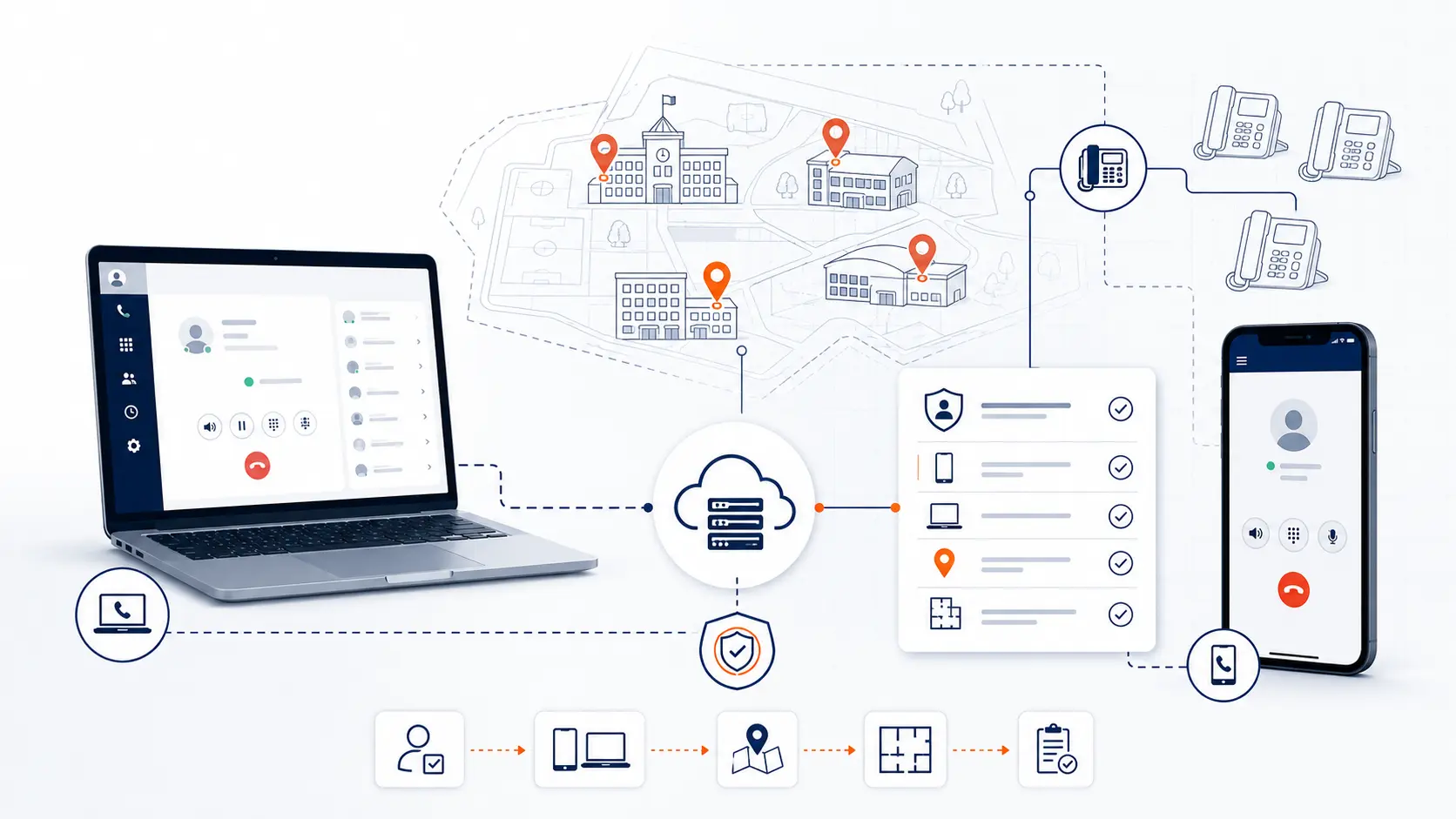
Softphones and mobile apps create a different planning problem. A desk phone usually sits in one room. A softphone may move between buildings, home networks, conference rooms, and mobile devices.
Districts should ask:
- Can staff use softphones off campus?
- Are softphone users allowed to make emergency calls from the app?
- What location does the system report from a laptop or mobile app?
- Are staff prompted to update their location?
- What happens when a user moves between campuses?
- Are there written rules for staff who use mobile calling?
The answer should not be guessed. It should be tested and documented. Softphone and mobile behavior should be part of the broader E911 Compliance for Schools plan.
Test after every major change
Emergency calling readiness is not a one-time task. A district can test successfully during launch and still become inaccurate later if phones move, rooms change, portables are added, staff roles shift, or a campus is renovated.
Retest after:
- Phone system cutover
- Number porting
- Phone moves
- Building changes
- New portables
- Campus renovations
- Network changes
- Softphone rollout
- Mobile app rollout
- Carrier or SIP changes
- Auto attendant or routing changes
- New campus additions
The district should also decide who owns routine E911 record maintenance. In some districts this may be IT. In others, IT may need facilities, campus administration, or operations to report room and building changes.
What a failed test can reveal
A failed test is not just a technical issue. It can reveal documentation gaps, vendor assumptions, or process gaps that need correction before launch.
Common findings include:
| Finding | What it may mean |
|---|---|
| Wrong building appears | Device or location records may be incorrect |
| Main address appears for every phone | Dispatchable location planning may be incomplete |
| No on-site alert is received | Notification rules may not be configured |
| Softphone reports the wrong place | Non-fixed device policies may be unclear |
| Callback number is wrong | Number records or routing may need review |
| Test works on one campus but not another | Rollout or template settings may be inconsistent |
| Staff do not know who owns updates | The maintenance process is not defined |
A failed test should create a correction task, owner, and retest date. Do not rely on verbal confirmation alone.
Documentation schools should keep
Districts should keep simple documentation that can survive staff turnover. The document does not need to be overly technical, but it should be clear enough for the next technology director, vendor, or campus administrator to understand.
Document:
- Test date
- Campus
- Building
- Room or area
- Device or extension tested
- Caller ID or callback number
- Expected dispatchable location
- Actual location received
- On-site notification result
- PSAP coordination notes
- Result: pass, fail, or needs review
- Correction owner
- Retest date
This record can support future migrations, renewal reviews, vendor discussions, and internal leadership updates.
How emergency calling testing connects to phone replacement
Phone replacement is a good time to clean up records that may have been wrong for years. A district replacing an aging PBX or reviewing an existing hosted VoIP PBX should not simply copy old location records into a new system without checking them.
During replacement, the district should review:
- Building list
- Room naming conventions
- Extension list
- Device assignments
- Main numbers
- Emergency notification recipients
- Specialty lines
- Softphone and mobile users
- Testing process
- Ownership for future updates
The District Phone System Modernization Roadmap can help organize this work before cutover. Districts replacing legacy equipment should review PBX Replacement for Schools to understand how E911, number porting, routing, and deployment planning fit together.
When to request a system review
A district should consider a phone system review when emergency calling records are unclear, the PBX is old, the current hosted VoIP system was installed years ago, phones have been moved without updated records, or no one is sure how location data is maintained.
A review can help identify:
- Whether direct 911 dialing needs verification
- Whether notification rules are documented
- Whether location records match buildings and rooms
- Whether mobile users need a clearer policy
- Whether current vendor records need correction
- Whether a migration plan includes E911 testing before launch
Request System Review if your district needs help reviewing emergency calling readiness before replacing, renewing, or reworking the current phone system.
Related planning resources
- K-12 E911 Readiness Checklist
- District Phone System Review Checklist
- District Phone System Modernization Roadmap
- E911 Compliance for Schools
- School Phone Systems
Frequently asked questions
Should schools test 911 calling before replacing a phone system?
Yes. Emergency calling should be reviewed before cutover so the district can confirm direct dialing, on-site notification, callback number, and dispatchable location planning before staff depend on the new system.
Can a school district test 911 by just calling 911?
Districts should not make casual test calls without coordination. Work with the local PSAP, emergency communications center, vendor, or appropriate local authority to confirm the correct testing procedure.
What should a school verify during an E911 test?
Verify direct dialing, on-site notification, callback number, dispatchable location, device assignment, and documentation. For softphones and mobile apps, verify how location data is handled when the user moves.
How often should schools retest emergency calling readiness?
Retest after major phone system changes, number porting, phone moves, building changes, new portables, softphone rollout, mobile app rollout, or network changes. Districts should create a repeatable process for maintaining location data.
Who should own E911 location data in a school district?
The owner varies by district, but IT should not be the only source of truth if facilities, campus administrators, or operations teams move rooms, phones, or buildings. Assign a clear process for reporting and updating changes.
Does a hosted phone system remove the need for E911 testing?
No. Hosted systems still require correct configuration, accurate records, device assignment, softphone planning, and testing. Moving to hosted phones does not remove the need to verify emergency calling behavior.
What happens if an E911 test fails?
Document what failed, assign an owner, correct the configuration or record, and retest. A failed test is useful if it finds a problem before a real emergency.
References
Ready to test your district’s emergency calling readiness?
Share your current phone setup, building list, phone bill, or vendor proposal. We will help identify technical review areas, migration considerations, and practical next steps for testing emergency calling readiness.