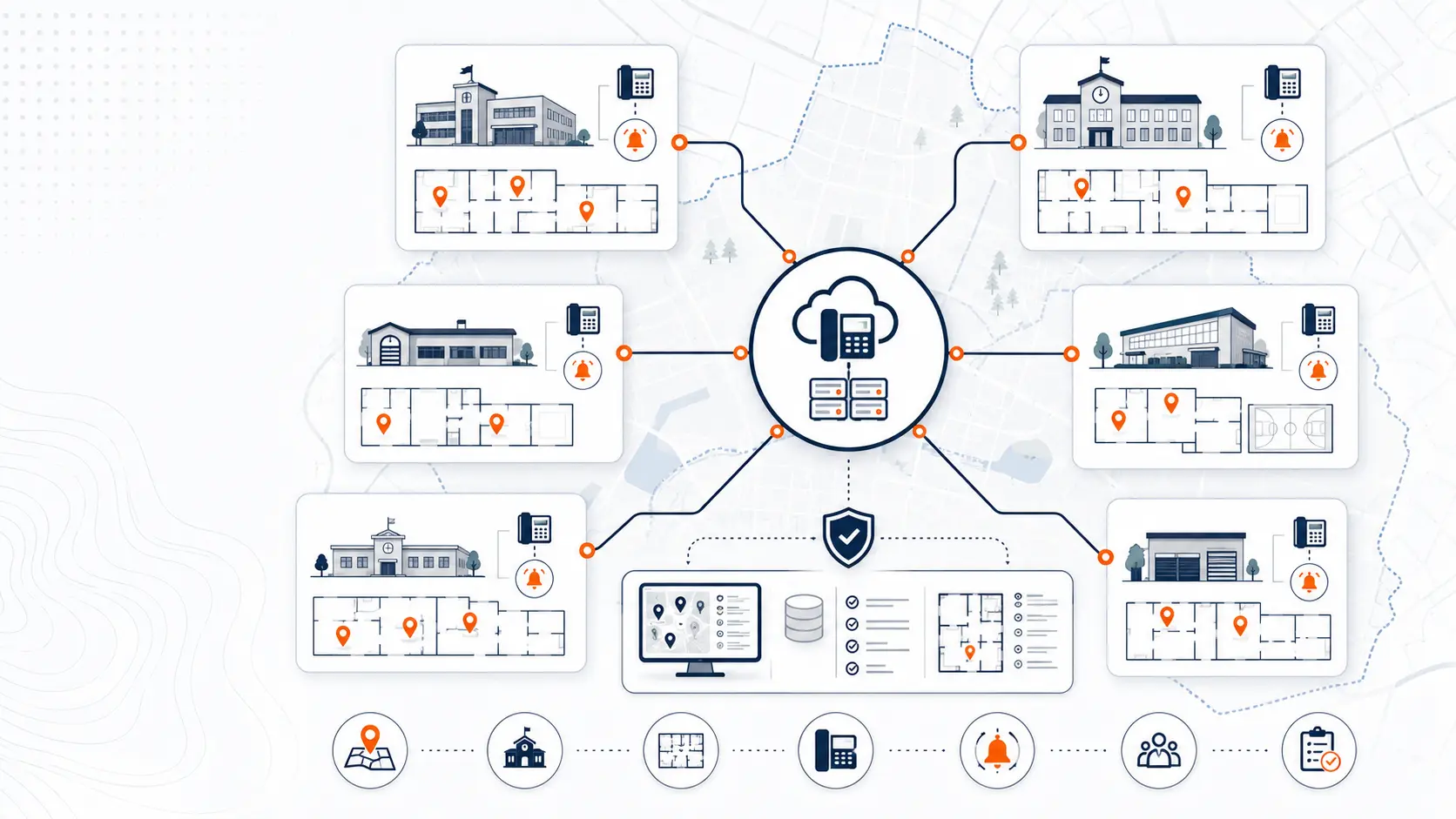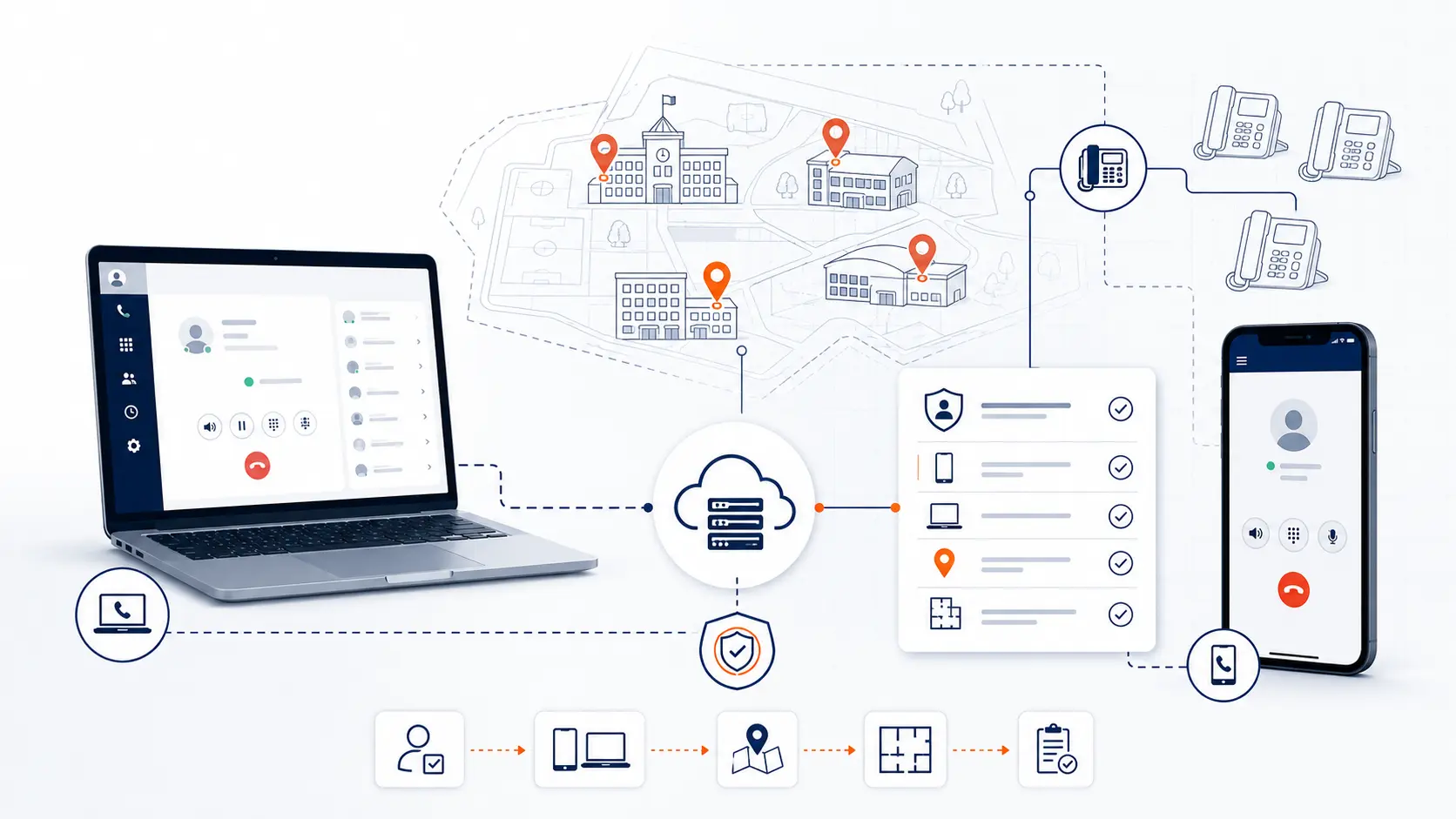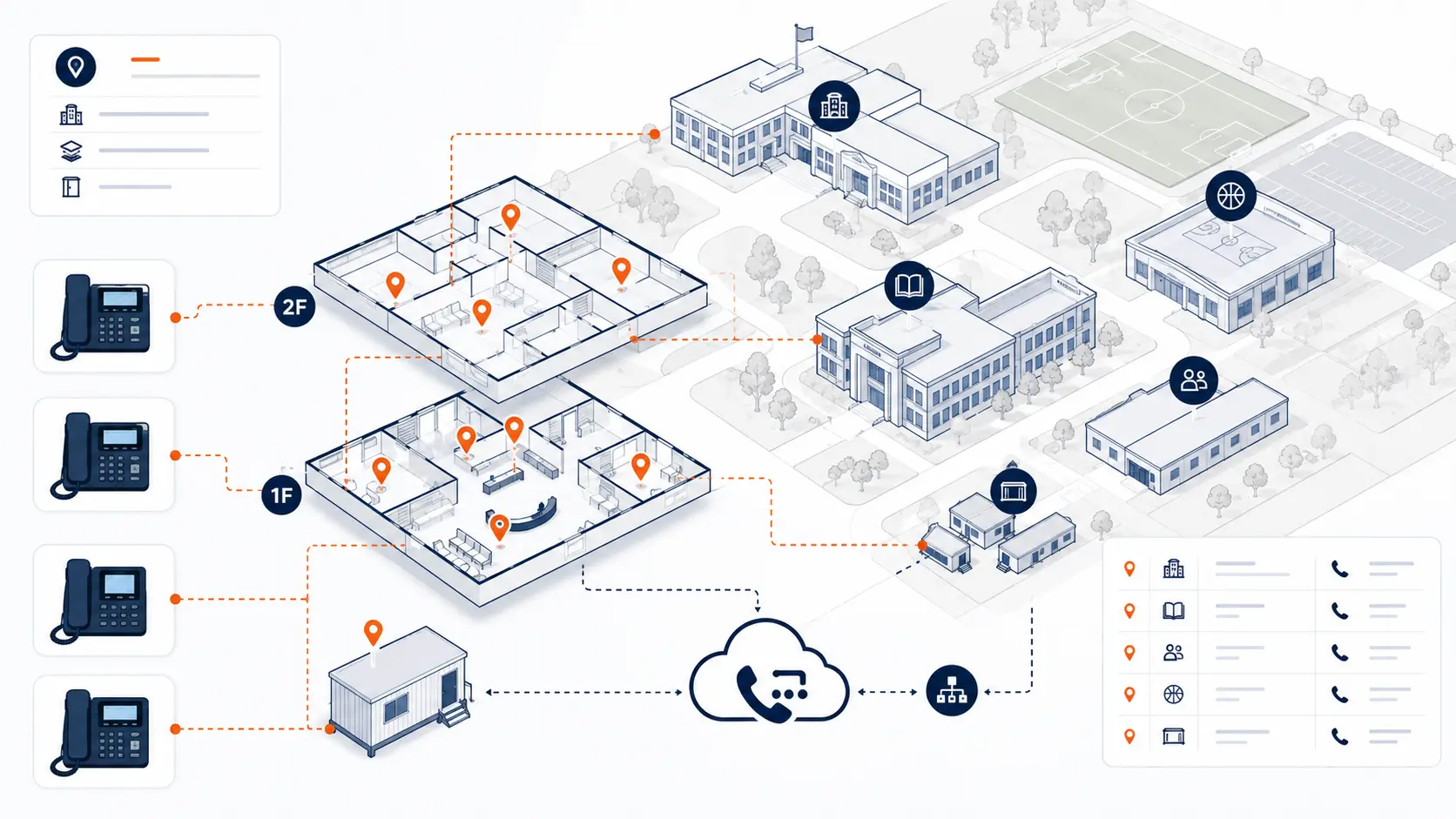
Dispatchable location is one of the most practical E911 planning topics for a school district phone system. It is not just a regulatory phrase. It is the information emergency responders need to find the person who called 911 from a district phone, softphone, mobile app, classroom, office, portable building, or shared campus space.
This guide is for technical planning and general education only. It is not legal advice. Districts should review legal and compliance obligations with qualified counsel, public safety authorities, and appropriate state or local agencies.
Request System Review | Download the K-12 E911 Readiness Checklist
What dispatchable location means
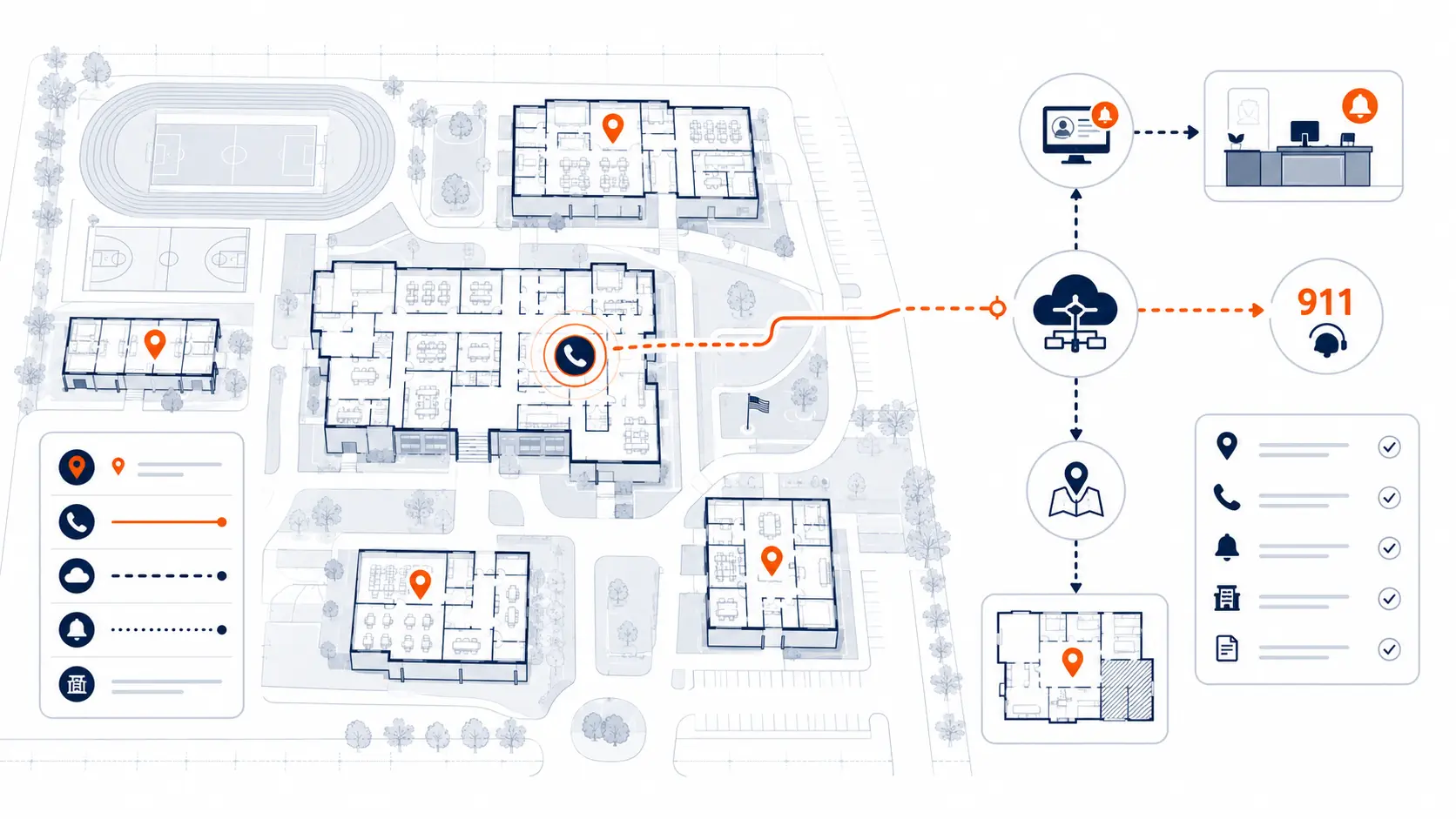
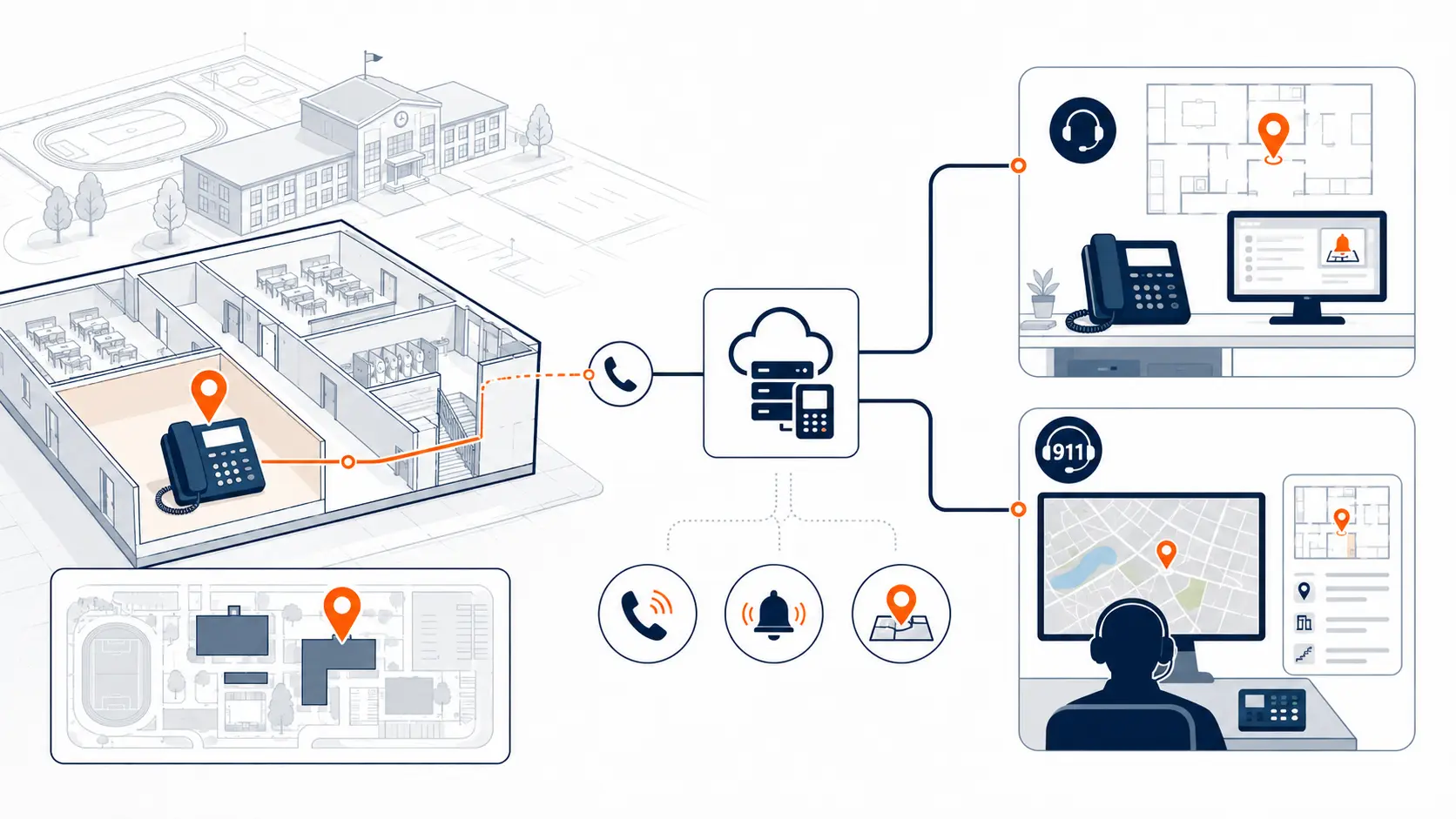
Dispatchable location generally means the validated street address of the calling party plus the extra location details needed to identify where the caller is located. For a school, that extra detail may include the campus, building, floor, room, office area, gym, cafeteria, portable classroom, administrative building, transportation facility, or maintenance shop.
The FCC describes dispatchable location as the street address of the calling party plus extra information such as room number, floor number, or similar details needed to adequately identify the caller’s location [1].
For a single small office, the street address may get responders close enough. For a school district, that is rarely enough. A high school campus may include several buildings, wings, portables, athletic areas, and administrative spaces. A district office may share a site with operations, records, transportation, or maintenance. Emergency responders need more than the billing address.
Why dispatchable location matters in schools
Schools are not simple office buildings. They have many people, many rooms, and many different phone usage patterns. A caller may be in a front office, classroom, gym, nurse’s office, library, cafeteria, portable building, bus garage, or administrative suite.
If the 911 call only sends the main campus address, responders may arrive at the correct property but still lose time finding the caller. The goal of dispatchable location is to reduce that gap.
For school phone systems, dispatchable location planning should answer four practical questions:
- What device placed the call?
- Where is that device expected to be located?
- What location data will be sent with the call?
- Who keeps that information accurate after staff and devices move?
That fourth question is often where districts find problems. Location data can be correct at launch and become inaccurate later if phones move, rooms are renamed, portables are added, or softphones are deployed without a clear policy.
Dispatchable location is not just an address
A school district may have a validated address for every campus, but E911 planning still needs more detail. A campus address tells responders where to start. Dispatchable location should help them know where to go next.
| Location layer | Example | Why it matters |
|---|---|---|
| Street address | 100 District Drive | Gets responders to the property |
| Campus or facility | North Middle School | Distinguishes sites within the district |
| Building | Building B | Narrows the response area |
| Floor or level | Second floor | Helps responders avoid searching multiple levels |
| Room or area | Room 214, nurse office, gym | Gives actionable location detail |
| Device assignment | Extension 4214 assigned to Room 214 | Connects the phone to the place |
A district does not need to make this more complicated than it needs to be, but it does need to make the data useful. The best format is the one local responders and the public safety answering point can understand and use.
How Kari’s Law and RAY BAUM’S Act relate to dispatchable location
Kari’s Law and RAY BAUM’S Act are commonly discussed together, but they address different parts of emergency calling readiness.
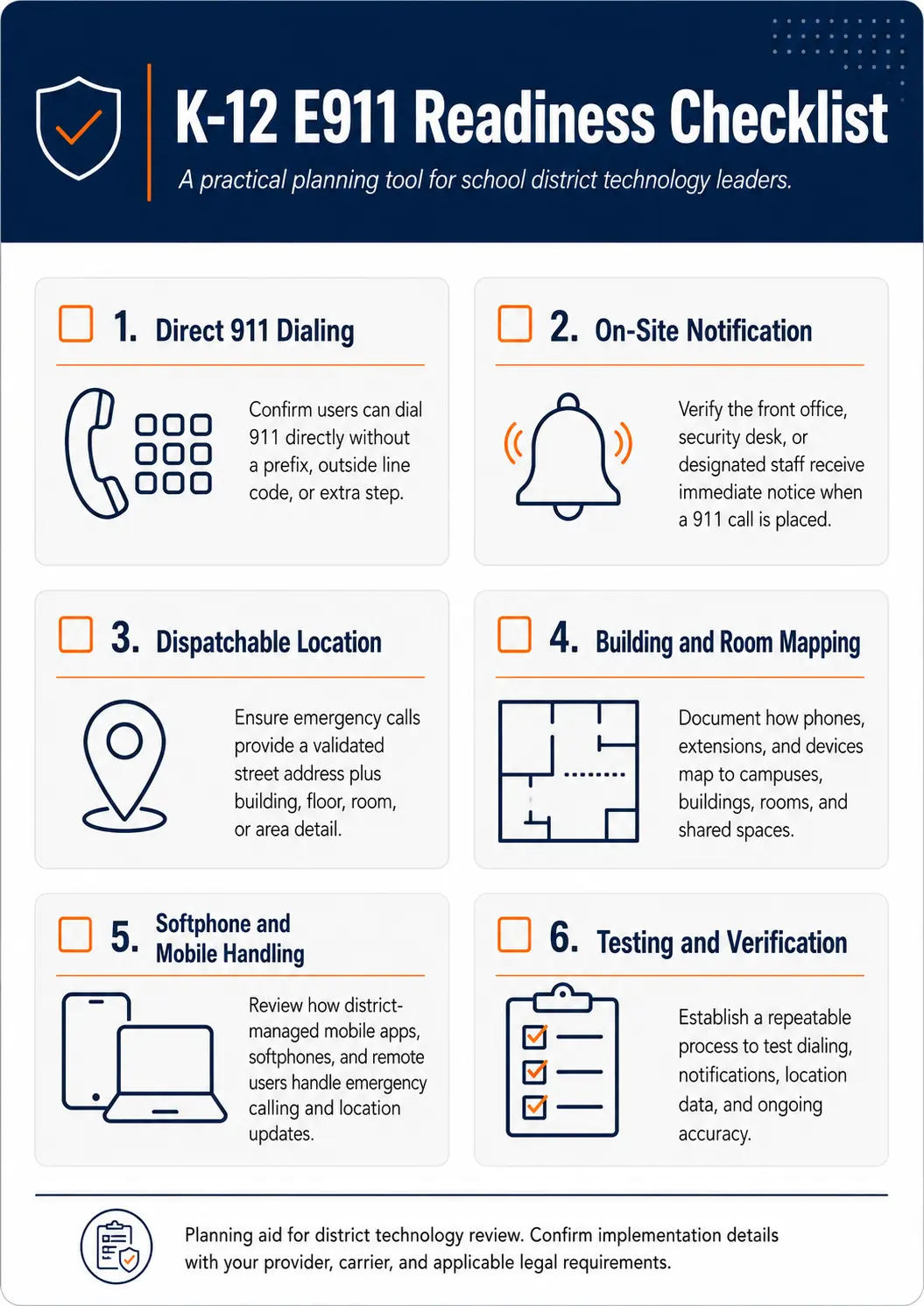
Kari’s Law focuses on direct 911 dialing and on-site notification for covered multi-line telephone systems. In plain terms, districts should review whether someone using a school phone can dial 911 without a prefix, and whether the right people on-site are notified that a 911 call was placed [2].
RAY BAUM’S Act addresses the location information sent with 911 calls. For schools, this is where dispatchable location planning becomes central.
A district replacing, renewing, or reconfiguring a phone system should review both areas. Direct 911 dialing and notifications matter, but responders still need useful location data once the call is placed.
For a broader planning guide, see E911 Compliance for Schools.
Common school areas that need location review
Districts should review more than classroom phones. Many E911 gaps appear in support areas, shared spaces, and devices that are not treated like normal classroom extensions.
Review these areas before a migration or renewal:
- Front offices and reception desks
- Classrooms
- Administrative offices
- Nurse offices
- Gyms and athletic areas
- Cafeterias
- Libraries and media centers
- Portable classrooms
- Special education areas
- Security or visitor check-in areas
- Maintenance buildings
- Transportation facilities
- District administration buildings
- Shared meeting rooms
- Elevators, alarms, gates, and specialty lines
Specialty lines need separate review. A fax line, elevator line, alarm line, gate line, or analog device may not behave like a normal hosted phone extension. Do not assume those lines can be moved, ported, or removed without coordination with the right service provider or qualified technician.
Dispatchable location and softphones
Softphones create a different planning problem than desk phones. A desk phone is usually fixed to a room or office. A softphone can move with the user’s laptop or mobile device.
This creates questions that districts should answer before launch:
- Can the softphone be used off campus?
- Does the user have to confirm or update location?
- What location is sent when the user is remote?
- What happens if a staff member moves between campuses?
- Are substitute staff or temporary users allowed to use softphones?
- Who trains users on the emergency calling limitations?
A hosted phone system can support softphones, but softphone E911 planning must be explicit. A district should not treat a mobile app like a fixed classroom phone.
For a larger VoIP planning discussion, see K-12 VoIP Phone Systems.
Dispatchable location and multi-campus districts
Multi-campus districts need a repeatable location structure. A room number alone may not be enough if different schools use the same room numbers. A caller from Room 101 at one campus must not be confused with Room 101 at another campus.
A simple location format may include:
- District name
- Campus or facility name
- Building name or code
- Floor or level
- Room, office, or area
- Main entrance or access note where helpful
This structure should be consistent across campuses. Inconsistent naming creates confusion during testing, system changes, and future troubleshooting.
For larger routing and migration issues, see Multi-Campus Phone Systems.
What to document before replacing or reviewing a phone system
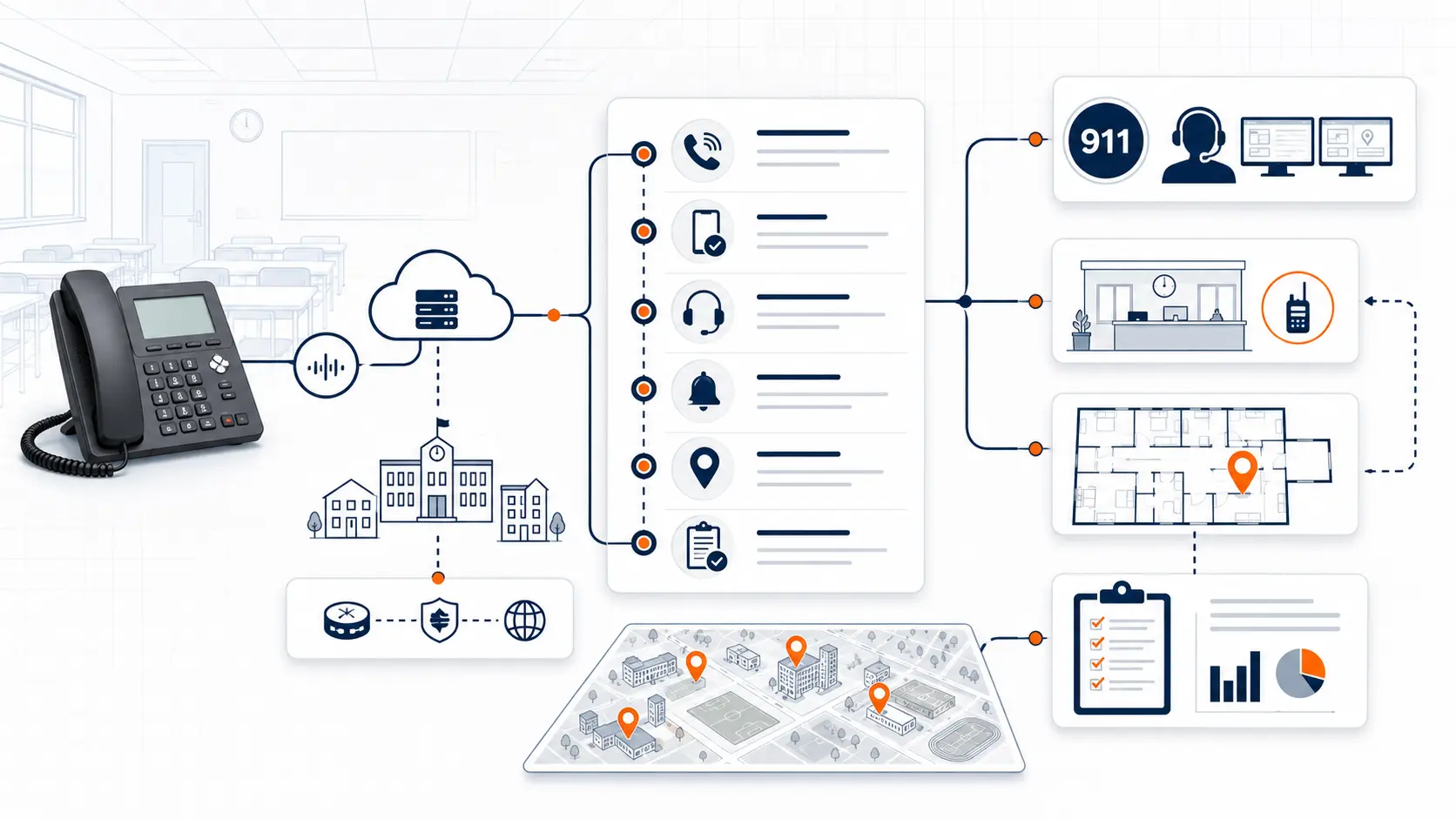
Before replacing a PBX, moving to a hosted phone system, or renewing an existing VoIP contract, districts should document the location details that affect E911.
Use this checklist as a starting point:
- Campus list
- Building list
- Validated street addresses
- Main numbers
- Direct inward dial numbers
- Extension list
- Room and area assignments
- Phone location map
- Portable classroom list
- Softphone and mobile app users
- Emergency notification recipients
- Analog and specialty lines
- Known location exceptions
- Testing process
- Ownership process for future updates
Districts can use the District Phone System Review Checklist to organize this information before a vendor conversation.
Who should own dispatchable location data
The vendor can help configure the phone system, but the district still needs a clear internal owner for location changes. This cannot be a one-time setup task.
A practical ownership model may include:
| Role | Responsibility |
|---|---|
| IT | Maintains phone system records, devices, extensions, and softphone policies |
| Facilities | Tracks room changes, building updates, portables, and physical moves |
| Front office or operations | Confirms emergency notification workflows and responder access details |
| Vendor or phone provider | Helps configure system records and review technical E911 settings |
| District leadership | Sets policy for ownership, testing, and review cadence |
The key is not the exact department name. The key is that someone owns the process. If a phone moves from one building to another, there should be a clear update path before the device is relied on again.
Testing dispatchable location
Testing should never be casual. Districts should coordinate with the appropriate public safety answering point or local emergency communications authority before test calls are made.
A practical testing process may include:
- Confirm the testing contact with the local PSAP.
- Select representative locations across campuses.
- Test fixed desk phones.
- Test front office and administrative phones.
- Review softphone and mobile app behavior.
- Confirm on-site notification recipients.
- Document what location information was received.
- Correct mismatches.
- Retest after corrections.
- Save test records for internal review.
Testing should happen before cutover, after major phone moves, after campus changes, and after system configuration changes that may affect emergency calling.
Use the K-12 E911 Readiness Checklist to support this review.
How dispatchable location affects vendor evaluation
A vendor conversation should not begin and end with phones, licenses, and monthly cost. Districts should ask how the vendor helps review E911 location planning.
Ask questions like:
- How do you map extensions to locations?
- How do you handle buildings, floors, rooms, and portables?
- How do softphones and mobile apps handle emergency location?
- Who updates location data after deployment?
- How do we test before cutover?
- What happens when phones move?
- Can we phase location review by campus?
- What documentation do we receive before go-live?
- What is included in support after deployment?
The answers should be practical. If the vendor says the cloud system “handles E911” but cannot explain mapping, testing, or ongoing updates, the district should ask more questions.
How a system review helps
A district phone system review can help identify the location data, call routing, phone placement, and E911 planning areas that need attention before a replacement or renewal decision.
K12 Phone Systems reviews:
- Current PBX or hosted phone system
- Campus and building structure
- Main numbers and routing
- Extension and device assignments
- Softphone and mobile use
- E911 planning needs
- Porting and cutover risks
- Support and documentation gaps
If your district is replacing a legacy PBX, moving to a hosted phone system, or questioning an existing VoIP installation, start with a Request System Review.
Related planning resources
- K-12 E911 Readiness Checklist
- District Phone System Review Checklist
- District Phone System Modernization Roadmap
- School Phone Systems
- E911 Compliance for Schools
- Multi-Campus Phone Systems
Frequently asked questions
What does dispatchable location mean for school phone systems?
Dispatchable location means the street address plus enough additional detail to help emergency responders find the caller. In a school, that may include the campus, building, floor, room, office, gym, cafeteria, portable classroom, or other area.
Is a school’s main address enough for E911?
Often, no. A main address may get responders to the campus, but a large school site may require building, floor, room, or area details so responders know where to go.
Does dispatchable location apply to classrooms?
Yes. Classroom phones should be reviewed so the location sent with a 911 call matches the actual classroom or area where the phone is located.
How should schools handle portable classrooms?
Portable classrooms should be included in the district’s location map. They may need clear naming, address notes, responder access details, and specific device assignments.
Do softphones and mobile apps need dispatchable location planning?
Yes. Softphones and mobile apps are not fixed like desk phones. Districts should review how location is set, updated, and communicated when those devices are used.
Can dispatchable location be reviewed campus by campus?
Yes. A campus-by-campus review can work well for phased migrations, especially in districts with many buildings or inconsistent phone records.
Who keeps dispatchable location data updated?
The district should define an owner for ongoing updates. IT, facilities, operations, and the phone provider may all play a role, but the process should be documented.
Should dispatchable location be tested before cutover?
Yes. Districts should coordinate with the appropriate PSAP or local emergency communications authority and test location data before cutover and after major changes.
Does a hosted phone system automatically solve dispatchable location?
No. Hosted phone systems can centralize management, but location data still needs to be configured, maintained, and tested.
What should we send before requesting a dispatchable location review?
Send any available campus list, building list, extension list, phone location map, phone bill, vendor proposal, or known E911 concerns.
References
- Dispatchable Location for 911 Calls from Fixed Telephony
- Kari’s Law and RAY BAUM’S Act
- Next Generation 911
Ready to review dispatchable location for your district phone system?
Share your current phone setup, building list, extension list, phone bill, or vendor proposal. We will help identify location data questions, migration considerations, and practical next steps for emergency calling readiness.