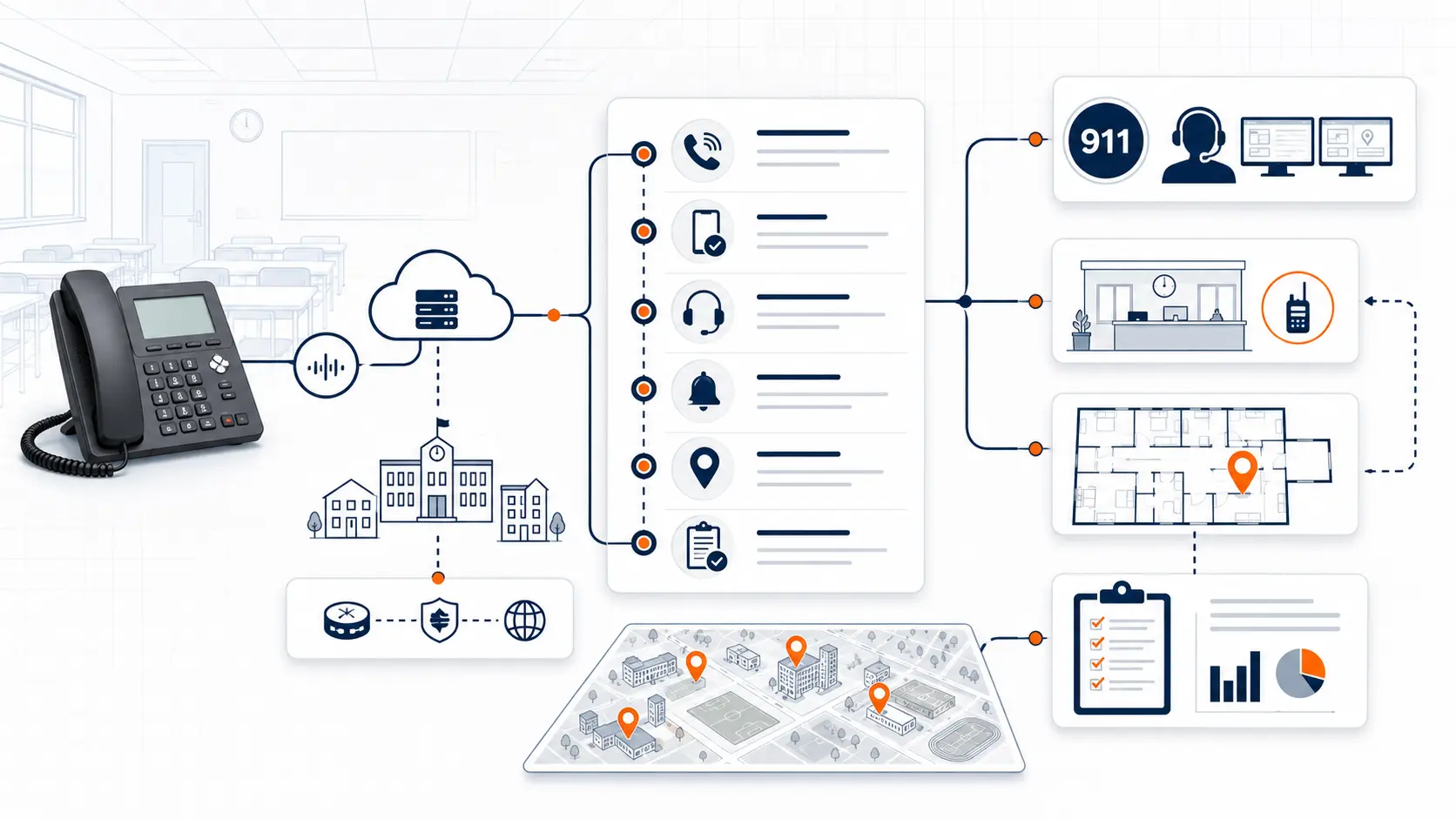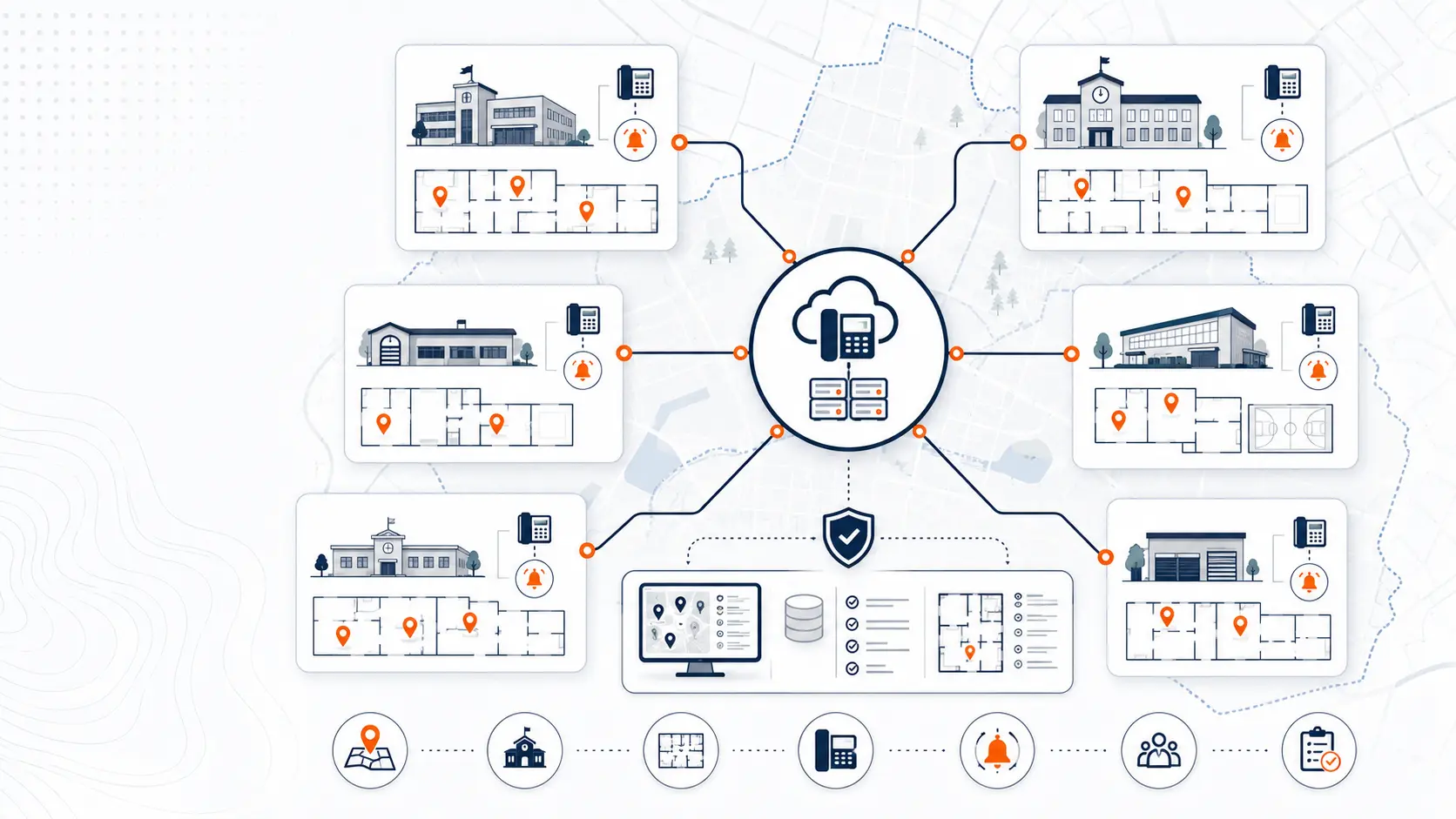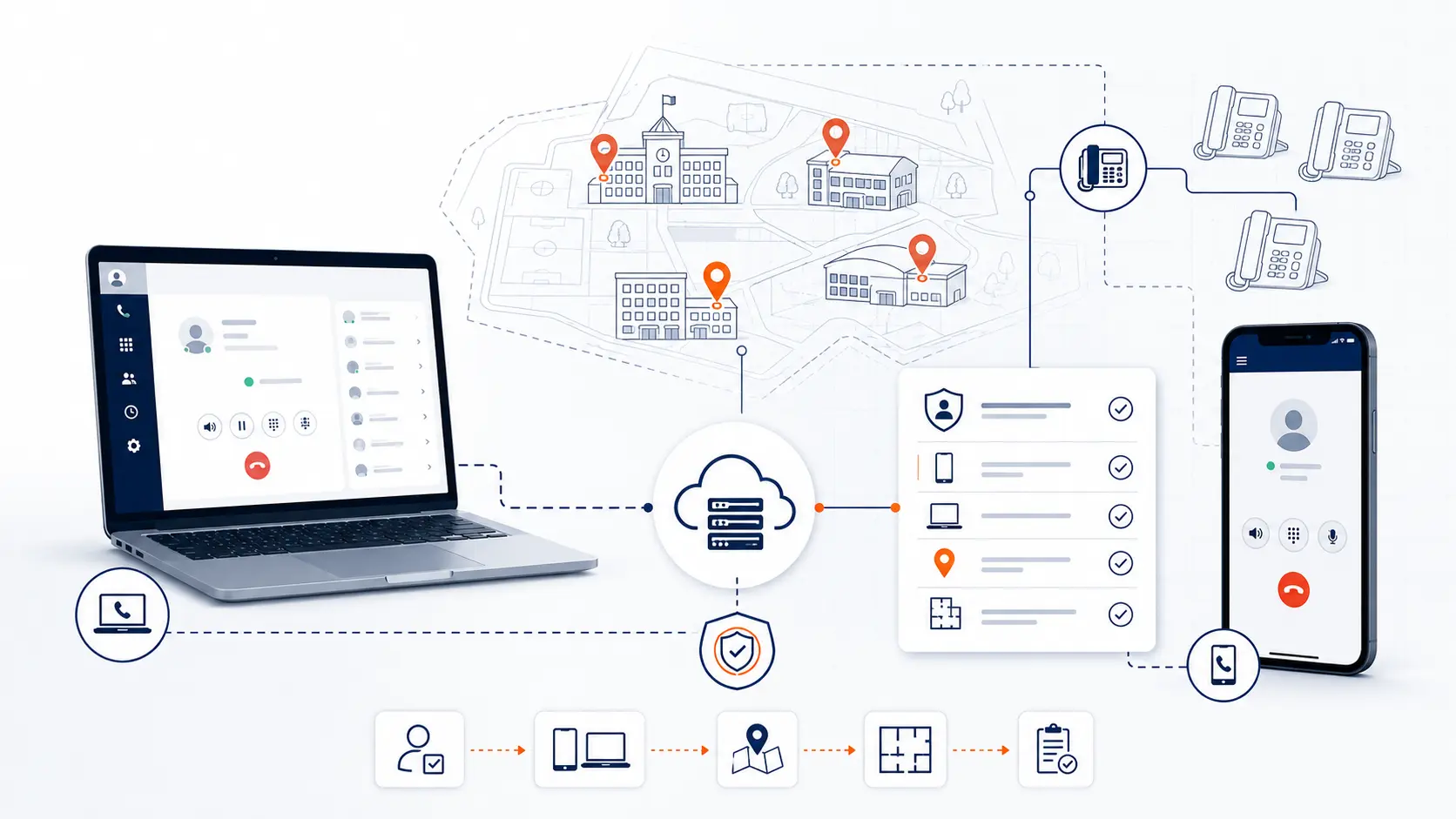
Softphones and mobile apps can help school staff communicate from laptops, tablets, and mobile devices, but they add an important planning question: where does a 911 call appear to be coming from when the caller is not using a fixed desk phone? For school districts, that question matters across classrooms, offices, shared spaces, maintenance buildings, transportation departments, remote work locations, and staff who move between campuses.
This guide is for technical planning and general education only. It is not legal advice. Districts should review legal and compliance obligations with qualified counsel, public safety authorities, and appropriate state or local agencies.
Request System Review | Download the K-12 E911 Readiness Checklist
Why softphones and mobile apps change E911 planning
A traditional school desk phone is usually tied to a known place. The phone sits in a front office, classroom, library, cafeteria, gym, administrative office, or maintenance building. If the phone system records are accurate, that device can be mapped to a physical location.
A softphone is different. A softphone is a software phone that runs on a computer, tablet, or mobile device. A mobile phone app can let staff make and receive school calls from a district-managed extension, but that device may move between buildings, campuses, or off-campus locations.
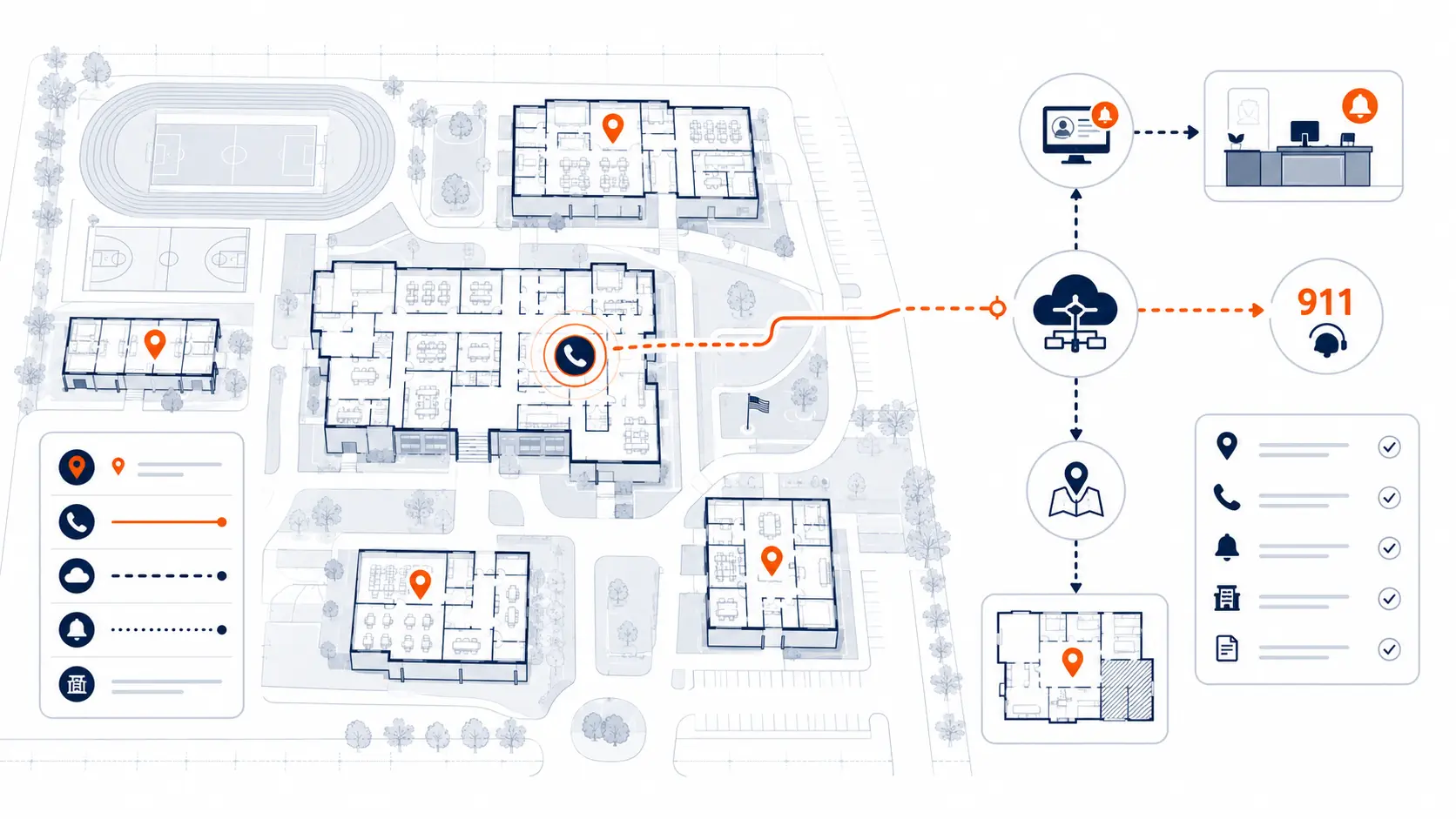
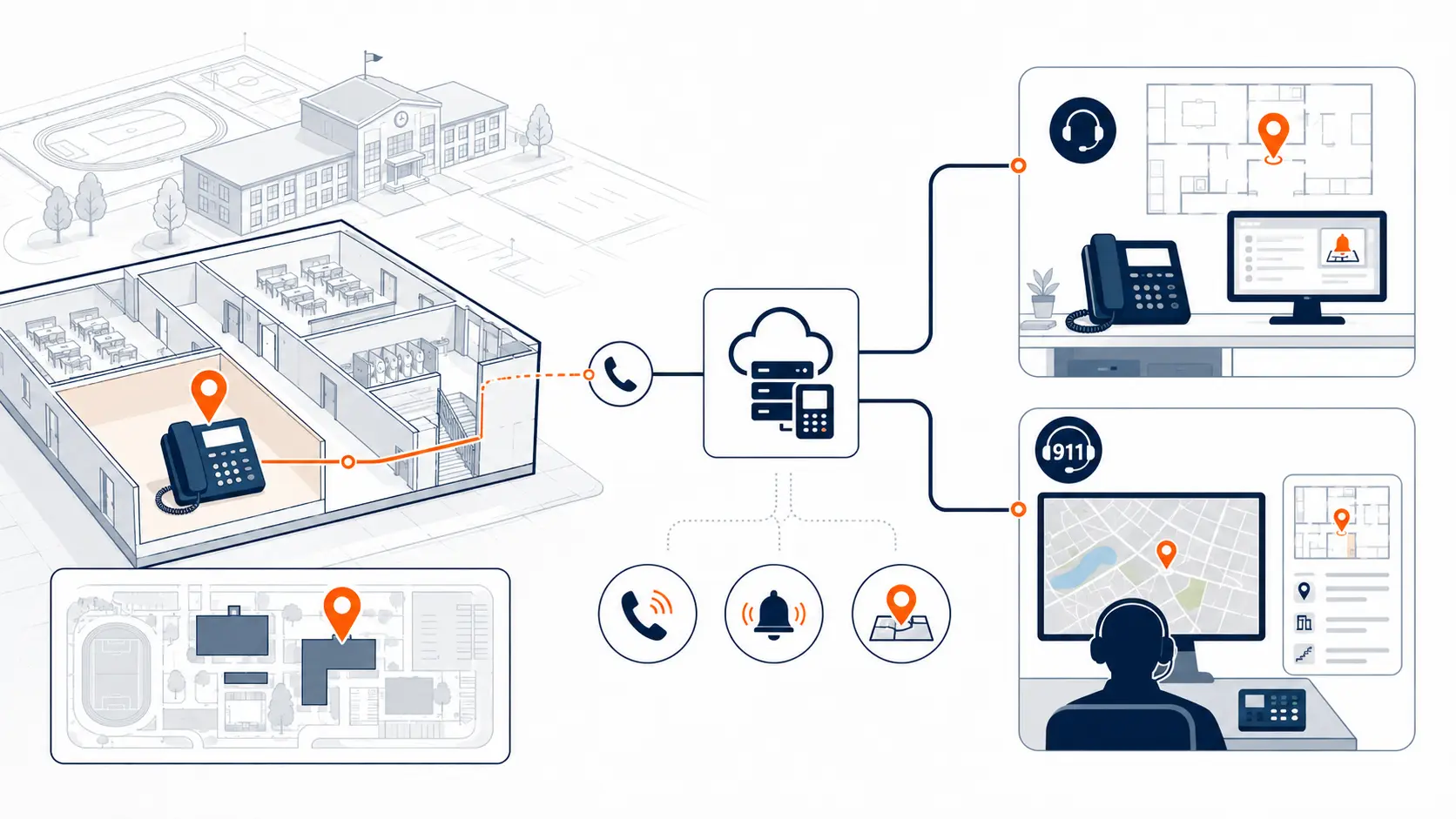
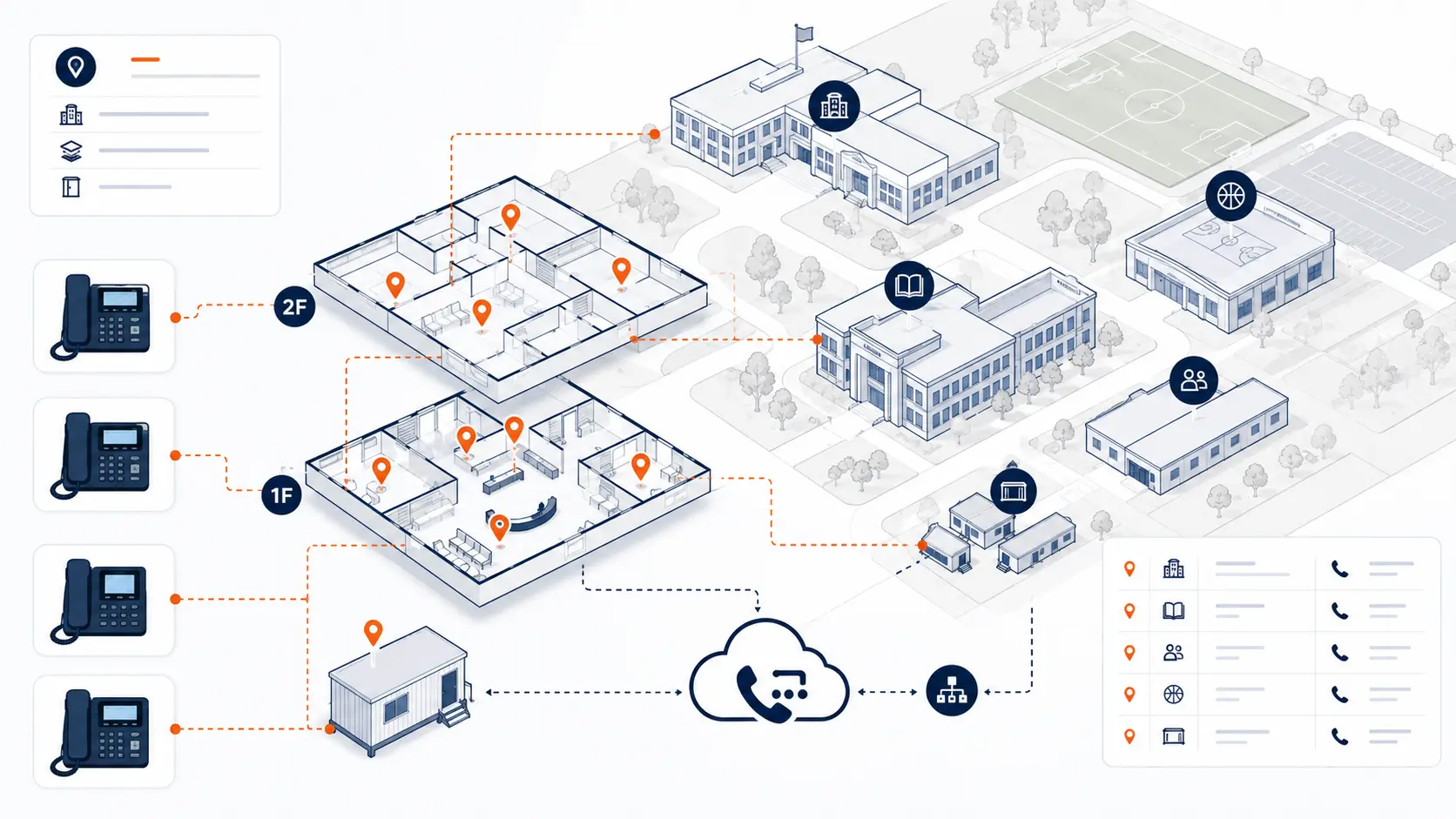
That creates a planning challenge. Emergency calling systems need location information that helps responders find the caller. The FCC describes dispatchable location as information that includes a validated street address plus details such as building, floor, suite, room, or similar information needed to locate the caller [1]. A mobile app or softphone may not always sit in one fixed room.
For schools, this means the phone system review must separate fixed devices from movable devices.
The difference between fixed phones and movable users
The first E911 planning step is to classify how each calling device is used.
| Device type | Typical location behavior | E911 planning concern |
|---|---|---|
| Desk phone | Usually fixed to a room, office, or shared space | Must be mapped to the correct dispatchable location |
| Conference phone | Usually fixed, but may be moved between rooms | Must not be moved without updating records |
| Softphone on laptop | Can move between offices, classrooms, campuses, or home | District must define how location is tracked and updated |
| Mobile app | Can be used almost anywhere | Location handling and user policy need clear review |
| Shared device | May be used by multiple staff members | Ownership and location records must be clear |
| Temporary device | May be used during construction, testing, or events | Needs temporary location and support plan |
Desk phones are easier to manage because the device normally stays where it was installed. Softphones and mobile apps require stronger policy, staff communication, and testing because the user can move without the phone system records changing automatically.
Why this matters in K-12 environments
Schools are not simple office environments. A district may have elementary schools, middle schools, high schools, athletic facilities, transportation buildings, portable classrooms, maintenance shops, administration offices, and shared campuses.
A softphone or mobile app can be useful for:
- district administrators who move between buildings
- IT staff who support multiple campuses
- transportation supervisors who work across sites
- maintenance leaders who need to be reachable away from a desk
- front office staff who need backup calling options
- staff working remotely during weather events or administrative closures
- temporary staff or substitute coordinators who need district-managed calling
Those uses can be legitimate. The problem is not the app itself. The problem is unmanaged mobility.
A district should know which users are allowed to place outbound calls from softphones or mobile apps, where those devices are normally used, how location is handled, and what staff should do during an emergency.
E911 risks created by softphones and mobile apps
Softphones and mobile apps can create several E911 risks if they are added casually to a school phone system.
Location records may not match the caller
If a staff member uses a softphone from a different building than the one assigned in the system, the location record may not point responders to the correct place.
For example, a technology staff member may be assigned to the district office but use a laptop softphone from a high school network closet. If that user calls 911, the district needs to understand what location information is sent and whether it is accurate enough for responders.
Users may move between campuses
District staff often move. A single employee may work at the administration building in the morning, visit two campuses during the day, and finish work at home.
That is not a problem for normal calling, but it matters for E911 planning. A user who moves across locations may not fit the same location model as a fixed classroom phone.
Staff may assume the app works like a personal cell phone
A school calling app is not always the same as dialing from the native phone app on a personal mobile device. Districts should understand how the business phone app handles 911 calls, whether it uses the mobile network, the hosted phone system, the app provider's routing, or another configured process.
This is a technical detail that should be reviewed before staff rely on the app during an emergency.
Remote work can complicate location planning
If a staff member uses a district extension from home, the district needs to know what location is associated with that device or user. It is not enough to assume the district office address is acceptable.
Shared devices can confuse accountability
Some schools use shared laptops, shared office phones, or shared mobile devices. If a device is assigned to one person but used by another, the district needs clear records for both location and operational ownership.
Testing may ignore mobile use
Many districts test fixed phones but forget to test softphones and mobile apps. E911 readiness testing should include the device types that staff actually use, coordinated through the proper non-emergency PSAP process.
Questions districts should ask before enabling softphones
Before enabling softphones or mobile apps widely, districts should ask practical questions.
- Which staff roles need softphones or mobile apps?
- Are those users fixed, mobile between campuses, or remote?
- Where will the app usually be used?
- How does the phone system determine location for softphone users?
- Can users update location when they move?
- Who verifies user location records?
- How are off-campus users handled?
- Are mobile app users allowed to dial 911 from the app?
- What should staff do if they need emergency help while using the app?
- How will softphone and mobile app behavior be tested?
- Who owns ongoing updates after staff changes or device changes?
These questions should be part of a broader District Phone System Review Checklist.
How Kari's Law and RAY BAUM'S Act connect to softphones
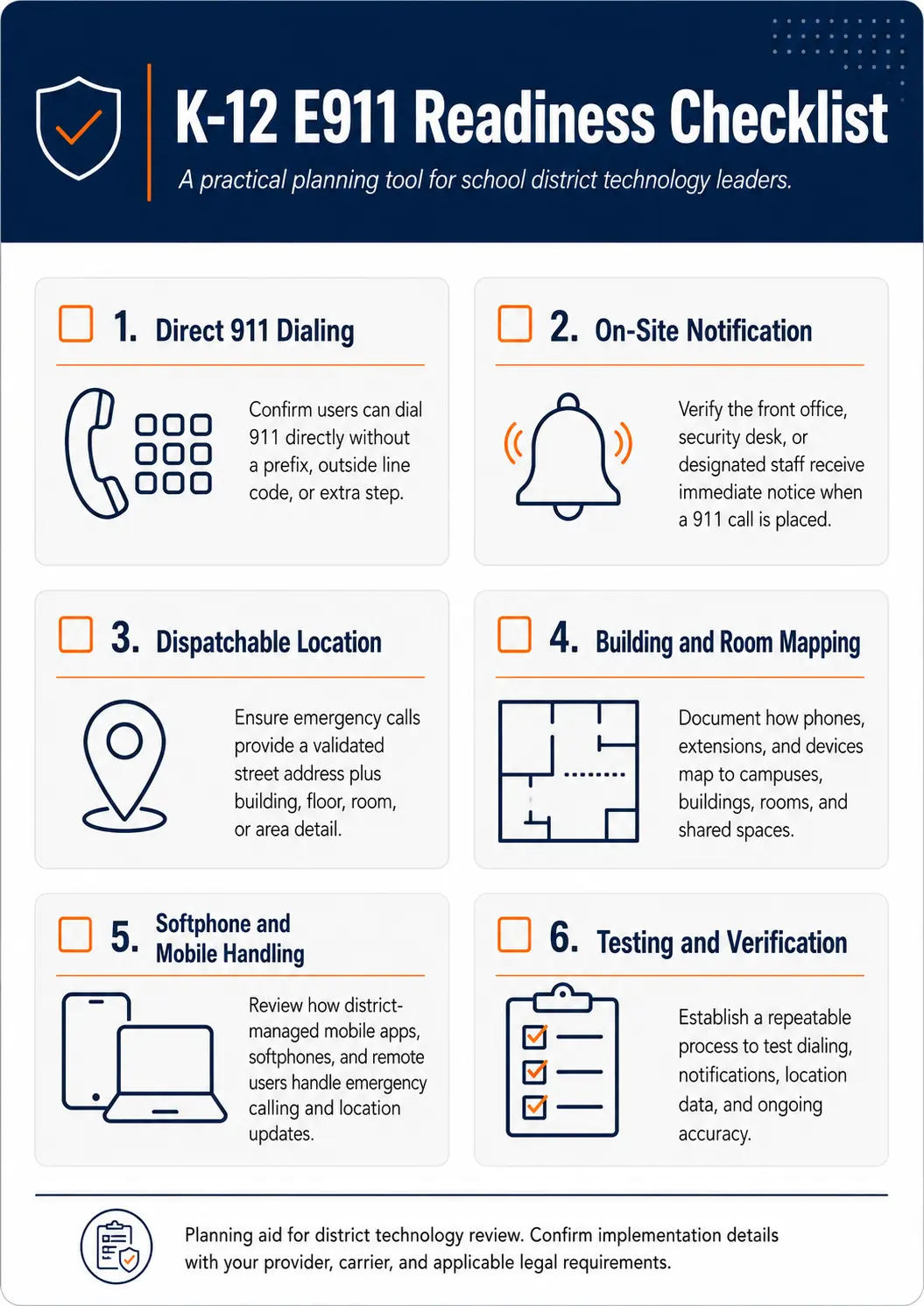
Kari's Law and RAY BAUM'S Act are important parts of school emergency calling planning. The FCC's MLTS 911 rules address direct 911 dialing, notification, and dispatchable location requirements for multi-line telephone systems [1].
For softphones and mobile apps, the issue is not only whether 911 can be dialed. The bigger planning question is what happens after the call is placed.
Districts should review:
- whether the app supports direct 911 dialing
- whether on-site notification occurs when a 911 call is placed
- what location information is sent
- whether mobile users are treated differently from fixed users
- whether softphones are assigned to a room, building, campus, or user
- how the district maintains location information over time
For a broader review of these requirements, see E911 Compliance for Schools and the K-12 E911 Readiness Checklist.
A practical policy model for school softphones
Softphone and mobile app use should be intentional. Districts do not need to treat every user the same way.
A practical model might divide users into four categories.
Fixed-location users
These users work in a known location most of the time.
Examples:
- front office staff
- district administration staff
- department office staff
- counseling office staff
Planning approach:
Map the user and device to the correct location. Test the expected calling behavior from the assigned work area.
Campus-mobile users
These users move around one campus but usually stay within the same school.
Examples:
- campus administrators
- instructional coaches
- campus IT support
- athletic staff
Planning approach:
Review whether a softphone or mobile app is appropriate for emergency calling. Confirm how the system handles calls from different areas of the campus.
District-mobile users
These users move between campuses or district buildings.
Examples:
- technology staff
- maintenance supervisors
- transportation staff
- district leadership
- itinerant support staff
Planning approach:
Do not assume one assigned location is enough. Define how location is handled when the user moves. Consider policies that direct emergency calls to the native mobile dialer when appropriate, and document expected behavior clearly.
Remote or off-campus users
These users may place calls from home, conferences, travel locations, or remote administrative work locations.
Planning approach:
Review off-campus calling behavior carefully. Confirm what location is transmitted and what staff are instructed to do when they need emergency assistance.
Softphones, mobile apps, and staff training
Even a well-configured phone system can fail operationally if staff do not understand how to use it.
Districts should create simple guidance for softphone and mobile app users. That guidance should explain:
- when to use the district calling app
- when to use the native mobile phone dialer
- how emergency calling works on the app
- what location is associated with the app
- whether staff must update location information
- who to contact when their work location changes
- what to do if the app is not working
- what to do during internet or power issues
Training should be short, practical, and role-specific. A front office user does not need the same guidance as a district IT employee who travels between campuses.
Testing softphones and mobile apps safely
Emergency calling tests should not be casual. The 911.gov FAQ explains that test calls can be scheduled by contacting the local 911 call center through its non-emergency phone number [2].
For softphones and mobile apps, testing should include a controlled sample of users and locations.
Districts should coordinate with the appropriate PSAP or local emergency communications authority before testing. Then they should document:
- date and time of the test
- device type tested
- user or extension tested
- campus and room tested
- caller ID or callback number received
- dispatchable location received
- on-site notification result
- issue found
- correction made
- retest result
Testing should happen before go-live, after major phone system changes, after major staff moves, and after network or location record changes that could affect emergency calling.
For a broader testing process, review How Schools Should Test Emergency Calling Readiness.
Softphones in existing VoIP PBX installations
Softphone and mobile app risk is not limited to new cloud phone systems. Many districts already have a VoIP PBX or hosted phone system and still need to review how those mobile features are configured.
A district should question an existing installation when:
- softphone users were added without an E911 review
- mobile apps are licensed but rarely used
- users are paying per extension for staff who do not need full app access
- app behavior was never explained to staff
- location records were copied from old PBX records and never updated
- remote users are assigned to district buildings where they do not normally work
- the district is unsure what happens if a mobile app user dials 911
- the vendor contract renews automatically without reviewing actual usage
Per-extension VoIP pricing can add to the problem. If a district pays for every extension, user, or app seat, it may be paying for accounts that do not match actual communication needs. That cost issue should be reviewed alongside E911 behavior, routing, support, and renewal terms.
For pricing questions, see Why Per-Extension VoIP Pricing Can Cost School Districts Too Much and K-12 VoIP Phone Systems.
What to review before enabling mobile calling across the district
Before rolling out softphones or mobile apps, school districts should document the environment.
| Review area | Why it matters |
|---|---|
| User roles | Not every employee needs mobile calling |
| Assigned locations | Determines whether location records are meaningful |
| Device types | Laptop softphones and mobile apps may behave differently |
| Emergency calling behavior | Determines what happens when 911 is dialed |
| On-site notification | Confirms who is alerted when a call is placed |
| Dispatchable location | Confirms whether responders receive usable location information |
| Remote work policy | Defines expectations for off-campus use |
| Testing process | Confirms assumptions before staff rely on the system |
| Contract and pricing model | Shows whether the district is paying for unused or unnecessary seats |
| Support ownership | Defines who updates users, devices, and location records |
This review can be part of a broader Request System Review conversation.
How K12 Phone Systems reviews softphone and mobile E911 risk
A district phone system review should include fixed phones and mobile users. K12 Phone Systems can help review:
- current phone system setup
- hosted VoIP or PBX configuration
- softphone and mobile app usage
- user roles and assigned locations
- E911 planning considerations
- dispatchable location records
- on-site notification behavior
- number routing and callback behavior
- network and internet readiness
- pricing model and unused extension costs
- cutover or renewal timing
- support process after deployment
The goal is not to push every district into the same app strategy. The goal is to match calling tools to real staff roles, district policy, location requirements, and support capacity.
Related planning resources
- K-12 E911 Readiness Checklist
- District Phone System Review Checklist
- District Phone System Modernization Roadmap
- School Communications Infrastructure Framework
- School Phone Systems
- E911 Compliance for Schools
- K-12 VoIP Phone Systems
Frequently asked questions
Do softphones create E911 risk for schools?
They can if they are not planned correctly. The issue is that softphones can move between locations. Districts should understand how location data is assigned, updated, and transmitted when a softphone user calls 911.
Are mobile apps safe for school district calling?
Mobile apps can be useful for district-managed calling, but they need clear policies. Districts should know how the app handles 911, whether location information is accurate, and when staff should use a native mobile dialer instead.
Does a hosted VoIP system automatically handle softphone location?
No. Hosted systems may provide tools for managing users and devices, but the district still needs accurate configuration, location records, testing, and ongoing maintenance.
Should every staff member get a softphone or mobile app?
No. Districts should assign mobile calling based on job role and need. Over-assigning app seats can increase cost, create support load, and complicate E911 planning.
Can softphone users move between campuses?
They can, but the district must understand how location is handled when they move. A fixed office location record may not be accurate for a user who works across multiple buildings.
How should schools test mobile app 911 behavior?
Schools should coordinate with the local PSAP or emergency communications authority before placing test calls. Testing should document device type, caller ID, dispatchable location, and notification behavior.
What should districts review before enabling softphones?
They should review user roles, device types, assigned locations, E911 behavior, on-site notification, remote work policies, testing process, support ownership, and pricing model.
Can K12 Phone Systems review an existing VoIP installation?
Yes. Existing VoIP systems can have issues with location records, user licensing, per-extension pricing, mobile app configuration, routing, support, and renewal terms.
References
- Multi-line Telephone Systems: Kari's Law and RAY BAUM'S Act 911 Direct Dialing, Notification, and Dispatchable Location Requirements
- FAQ About Calling 911
- Kari's Law and RAY BAUM'S Act
Ready to review softphone and mobile E911 risk?
Share your current phone setup, softphone usage, mobile app licensing, campus list, or vendor proposal. We will help identify E911 planning questions, location concerns, pricing issues, and practical next steps.